Best Desk Lamps for Home Office in 2026: Better Eyes, Better Video Calls
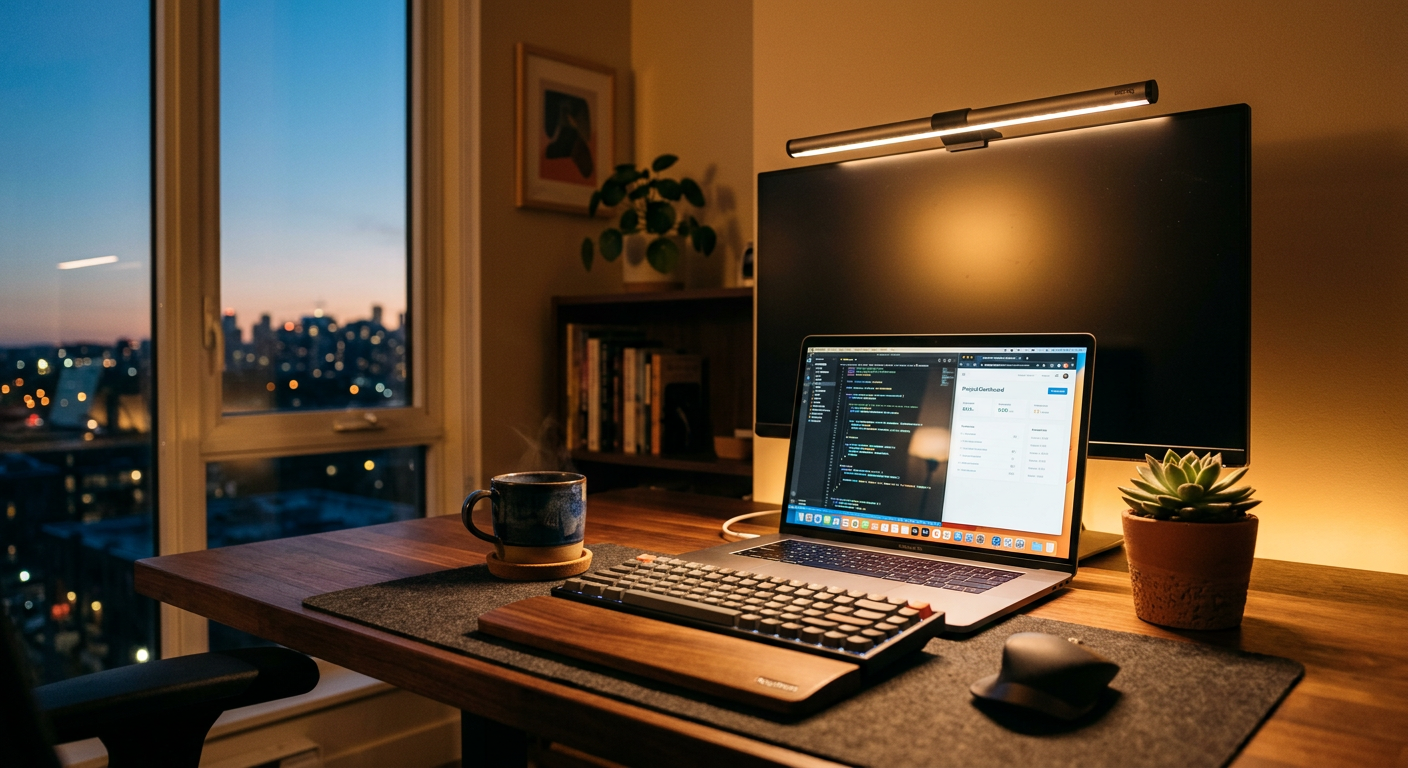
Two things happen when you get the lighting right in your home office: your eyes stop hurting after 8 hours, and you look dramatically better on video calls. Two things happen when you get it wrong: eye strain by 3pm, and you look like you're being interrogated.
Lighting is the cheapest upgrade that makes the biggest visual difference.
What to Look For
Color temperature: 4000-5000K (cool white/daylight) is best for daytime focus work. 2700-3000K (warm) for evening. Adjustable is ideal.
CRI (Color Rendering Index): 90+ means colors look accurate under the light. Below 80, things look washed out. Important for any design or content work.
Brightness: 1000+ lux at desk surface for focused work. Dimming control is essential.
Video call lighting: A light that faces you (key light) makes you look dramatically better on calls than overhead or side lighting.
The Rankings
#1 BenQ ScreenBar Plus — Best Overall
Price: $189
The ScreenBar Plus mounts on top of your monitor and shines light down onto your desk — but crucially, it doesn't shine into your eyes or create glare on the screen. The asymmetric optical design is genuinely clever.
It comes with a wireless controller for brightness and color temperature. A built-in light sensor adjusts automatically. The USB power means no separate outlet.
This is the single best upgrade for eye strain prevention in a home office.
Best for: Dual-screen setups, anyone with eye fatigue, people who want clean desk aesthetics.
#2 Elgato Key Light Air — Best for Video Calls
Price: $99
The Key Light Air is designed specifically to light your face for video calls. It mounts on a desk arm or stand, faces you, and provides soft, flattering light. The app control lets you dial in exactly the warmth and brightness you want.
The combination of a BenQ ScreenBar for task work + Elgato Key Light for calls is the professional WFH lighting setup.
Best for: Regular video calls, content creators, anyone who looks bad on Zoom.
#3 IKEA TERTIAL — Best Under $15
Price: $12
Yes, really. The TERTIAL is a basic articulating arm desk lamp with an E26 bulb socket. Buy it, put in a $10 LED bulb with the color temperature you want, and you have adjustable directional lighting for $22.
Not the most attractive, but surprisingly effective.
Best for: Budget setups, renters who don't want to invest much.
#4 TaoTronics TT-DL16 — Best LED Arm Lamp
Price: $45
Adjustable arm, 5 color temperatures, 7 brightness levels, USB charging port on the base. Everything you need in a desk lamp without the BenQ premium.
Best for: Value buyers who want full adjustability.
The Video Call Upgrade
Your webcam can only do so much with bad light. A key light facing you — even a ring light on Amazon for $25 — will make more difference on calls than upgrading from a $70 to a $200 webcam. Light first, then camera.
Frequently Asked Questions
Q: What color temperature is best for working from home? A: 4000-4500K (neutral/cool white) is ideal for daytime focus work. It mimics natural daylight and keeps you alert. If you work evenings, 3000-3500K is easier on the eyes. The BenQ ScreenBar Plus lets you switch between modes.
Q: Does a desk lamp really help with eye strain? A: Yes, significantly. Eye strain from screens is largely caused by contrast between a bright screen and a dark room. A quality desk lamp reduces this contrast. The BenQ ScreenBar's monitor-mounted design is specifically engineered to solve this.
Q: Should I use a ring light or a key light for video calls? A: Both work. Ring lights create a characteristic circular catchlight in your eyes (visually distinct). Key lights give more natural-looking illumination. For professional calls, a key light like the Elgato looks better. Ring lights are fine for casual calls.
Q: What wattage should a desk lamp be? A: For LED lamps, wattage is less meaningful than lumens. Aim for 400-800 lumens for ambient desk lighting, 1000+ for task lighting. The BenQ ScreenBar outputs about 1000 lux.