1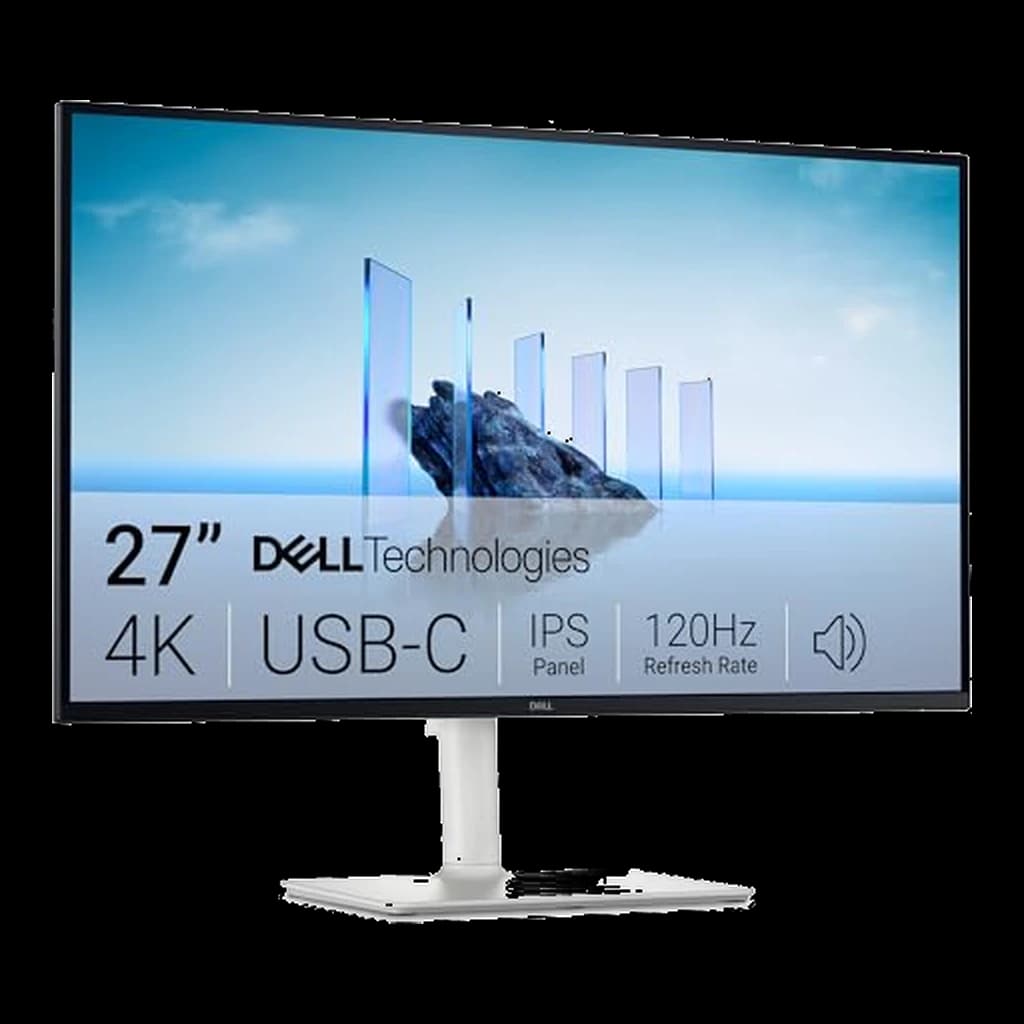 1
1
1Dell S2725QC 27" 4K USB-C 120Hz
💰 Best Budget4K, 120Hz, and 65W USB-C charging for about $330 — the value benchmark for 27-inch 4K.
↑ Display Quality↑ Picture Quality↑ Value for money
$329.99 Buy on Amazon
WFH Lounge · Best Picks
27-inch 4K at 120Hz with USB-C (the Dell S2725QC) is the sweet spot for most WFH setups, and USB-C power delivery kills the cable clutter. Go QHD (S2725DSM) only to save money.
The best monitors for working from home — from ultrawide to 4K.
Top pick
Dell S2725QC 27" 4K USB-C 120Hz
4K, 120Hz and 65W USB-C for about $330 — the 27-inch monitor most home offices should buy, and the one our readers do.
Buy on AmazonUpgrade pick
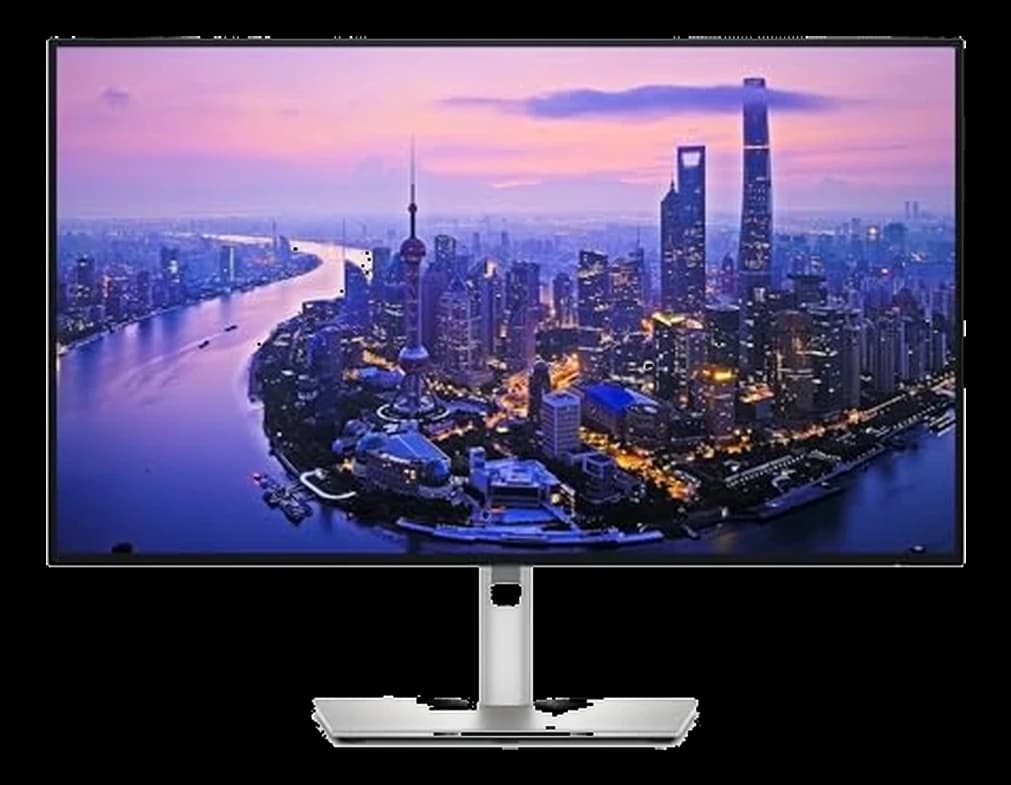
Dell UltraSharp U2725QE 27" 4K Thunderbolt Hub
For a one-cable desk: Thunderbolt 4 hub, 140W laptop charging and 2.5GbE, at roughly twice the top pick's price.
Buy on AmazonBudget pick
Dell 27 Plus QHD S2725DSM 27" 144Hz
27-inch QHD IPS with a height-adjustable stand, sold by Amazon for about $170 - the #12 best-selling monitor and the cheapest one here we would put on a desk.
Buy on AmazonSkip this
27" monitors at 1080p resolution — At 27", 1080p gives you just 82 PPI — text looks visibly soft and fuzzy after a few hours. Spend $30 more and get 1440p. You'll feel the difference every single day.
14K, 120Hz, and 65W USB-C charging for about $330 — the value benchmark for 27-inch 4K.
 2
2The new productivity benchmark — 4K, 120Hz, Thunderbolt 4, 140W charging in one cable.
 3
3Best value ultrawide for most WFH desks — 120Hz curved VA with USB-C
 4
4Ultrawide done right for desks — Thunderbolt dock, 120Hz, IPS Black contrast.
 5
5The budget seat on this page: a 27-inch 1440p IPS at 144Hz with a fully adjustable stand and Dell's TUV 4-star eye-comfort rating. It gives up USB-C and a hub to the pricier picks, so it suits a desktop or a laptop that already has a dock.
Not sure which monitor is right for you?
Answer 4 quick questions → your match plus two alternatives.
| Spec | ||||||||
|---|---|---|---|---|---|---|---|---|
| Buy | ||||||||
WFH Scoremethodology → | Display Quality 96 Ergonomics 78 Build Quality 87 Value 89 Owner Satisfaction 85 | Display Quality 94 Ergonomics 70 Build Quality 85 Value 63 Owner Satisfaction 64 | Display Quality 84 Ergonomics 72 Build Quality 75 Value 87 Owner Satisfaction 74 | Display Quality 90 Ergonomics 72 Build Quality 87 Value 64 Owner Satisfaction 80 | Display Quality 86 Ergonomics 92 Build Quality 80 Value 87 Owner Satisfaction 84 | Display Quality 95 Ergonomics 86 Build Quality 92 Value 62 Owner Satisfaction 66 | Display Quality 90 Ergonomics 66 Build Quality 81 Value 61 Owner Satisfaction 67 | Display Quality 99 Ergonomics 90 Build Quality 78 Value 77 Owner Satisfaction 81 |
| Buyer sentiment | Display Quality Picture Quality Value for money Connectivity Buyers praise display quality, picture quality, value for money and connectivity. Mixed feedback on functionality. Based on 470 user mentions | Too new for a buyer summary | Display Quality Value for money Picture Quality Easy To Set Up Buyers praise display quality, value for money, picture quality and easy to set up. Mixed feedback on connectivity and screen size. Based on 372 user mentions | Monitor Quality Productivity USB Connectivity Size Buyers praise monitor quality, productivity, usb connectivity and size. Mixed feedback on picture quality and performance. Based on 84 user mentions | Quality Resolution Value for money Setup Buyers praise quality, resolution, value for money and setup. Mixed feedback on reliability. Based on 198 user mentions | Appearance Buyers praise appearance. Mixed feedback on consumer-friendly and image quality. Based on 24 user mentions | Display quality Reliability Picture quality Color quality Connectivity Buyers praise display quality, reliability, picture quality and color quality. Some flag connectivity. Based on 76 user mentions | Quality Color Quality Image Quality Value for money Buyers praise quality, color quality, image quality and value for money. Mixed feedback on brightness. Based on 180 user mentions |
| Resolution | 3840x2160 (4K UHD) | 3840x2160 (4K UHD) | 3440x1440 (WQHD UW) | 3440x1440 (WQHD) | 2560x1440 (QHD) | 3840x2160 (4K UHD) | 3840x2160 (4K UHD) | 2560x1440 (QHD) |
| Refresh Rate | 120Hz | 120Hz | 120Hz | 120Hz | 144Hz | 120Hz | 120Hz | 240Hz |
| Panel | 27" IPS | 27" IPS Black | VA, curved (1800R) | 34" curved IPS Black | 27" IPS, 350 cd/m2, 1,500:1, 99% sRGB | 26.5" QD-OLED, 250 cd/m2 typ / 1,000 nits peak, 99% DCI-P3, Delta E < 1.5 | 31.5" IPS Black | Glossy WOLED (TrueBlack Glossy), 99% DCI-P3 |
| Connectivity | USB-C 65W PD (DisplayPort 1.4 Alt Mode) + 2x HDMI 2.1 — no DisplayPort socket | Thunderbolt 4 (140W PD), HDMI 2.1, DisplayPort 1.4, USB-C, 2.5GbE | USB-C (65W PD, DisplayPort Alt Mode) + 2x HDMI 2.1 — no DisplayPort socket | Thunderbolt 4 (90W PD), HDMI, DisplayPort, USB hub, Ethernet | 1x HDMI (TMDS, VRR) + 1x DisplayPort 1.4 - no USB-C, no USB hub | USB-C 96W PD + HDMI 2.1 + 2x DisplayPort 1.4 (daisy-chain) + USB 3.2 hub (1x C, 3x A) + Auto KVM | Thunderbolt 4 (140W PD), HDMI 2.1, DisplayPort 1.4, USB-C, 2.5GbE | 1x DisplayPort 1.4 (DSC), 2x HDMI 2.1, 2x USB 3.2 Gen 1 Type-A, 3.5mm jack |
| Stand | Tilt / swivel / pivot / height | Tilt / swivel / pivot / height (full ergonomic) | — | Tilt / swivel / height | Height 110 mm / tilt / swivel / pivot | Height 130 mm / tilt / swivel / pivot | Tilt / swivel / pivot / height (full ergonomic) | Tilt / swivel / pivot / height (~110mm) |
| Size | — | — | 34" 21:9 | — | — | — | — | 26.5" (27-inch class) |
| Adaptive Sync | — | — | AMD FreeSync | — | — | — | — | VRR (Adaptive-Sync), G-SYNC Compatible |
| Eye Care | — | — | — | — | TUV 4-star Eye Comfort, flicker-free, low blue light | TUV Flicker-free, TUV Low Blue Light | — | — |
| Warranty | — | — | — | — | 1 year | 3 years incl. burn-in | — | 3 years including OLED burn-in coverage (per ASUS) |
| HDR | — | — | — | — | — | VESA DisplayHDR 400 True Black, HDR10 | — | HDR10, up to 1300 nits peak |
* Prices checked Oct 17, 2026 and may not reflect current rates. As an Amazon Associate I earn from qualifying purchases.
As an Amazon Associate I earn from qualifying purchases. Product prices and availability are subject to change.
27" 1440p delivers 108 PPI — the threshold where text looks crisp at a standard 28–30" viewing distance without requiring OS scaling.
r/HomeOffice and r/Monitors consistently recommend the Dell U2725QE for WFH setups that need a single-cable dock solution. The IPS Black panel and Thunderbolt 4 hub justify the premium over standard IPS at this resolution.
Popular options we evaluated and passed on, with the specific reason each one fell short of our top picks.
Interesting square-format experiment, but the 28MQ780 SKU went defunct on Amazon. Swapped to the LG 32UN880 Ergo, which delivers the same stacked-window workflow at a higher pixel count.
Stunning gaming display, but the curved OLED creates uncomfortable reflections during all-day office work and burn-in risk is elevated on static UI. Recommend Dell U-series for sustained productivity.
No Amazon buy box at our October 2026 check, and the tilt-only stand fails our height-adjustable floor.
2023 60Hz model with a 4.2-star rating; the ProArt PA279CDV OLED takes the premium slot.
~2023 VA ultrawide with a third-party buy box; the Dell S3425DW and U3425WE already cover 34-inch.
Your monitor is the most-used piece of equipment in your home office — most WFH professionals stare at it 6-9 hours a day, which means display quality directly affects your productivity, eye strain, and end-of-day fatigue. Resolution matters: 1440p is the practical sweet spot for most setups, offering sharp text and enough screen real estate without the GPU demands of 4K. Panel type affects how the screen looks and feels — IPS panels deliver accurate colors and wide viewing angles, making them the standard for work; VA panels offer better contrast and are good for mixed work/media use. Refresh rate matters less for work than gaming, but 75Hz+ is noticeable for scrolling. Size and ergonomics are often overlooked: a monitor that can't tilt, swivel, or adjust height will cause neck and back pain over months of use. Our picks are evaluated on real-world text clarity, color accuracy, build quality, and ergonomic adjustability.
Monitor Arms
Gets the panel to eye height and frees the desk under it.
$29.98
Docking Stations
One cable to the laptop for video, power and peripherals.
$399.95
Skip the dock if the monitor you picked already has a USB-C or Thunderbolt hub built in.
Cable Management
A second screen doubles the cables reaching your desk.
$19.99
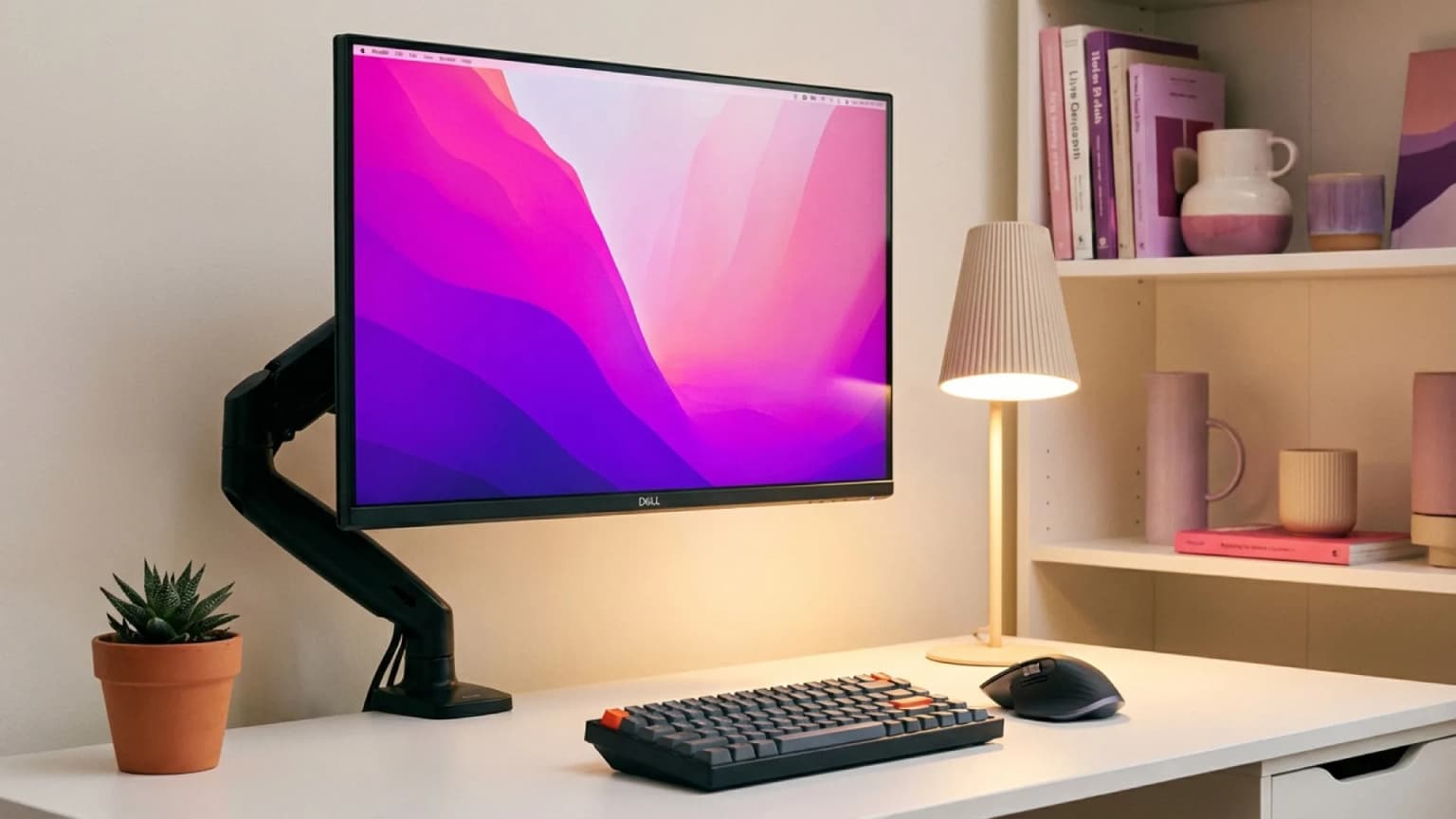
The best 27-inch monitor for home office work in 2026: 8 ranked from $170 to 5K, plus what to replace a Dell U2723QE or LG 27UK500-B with.
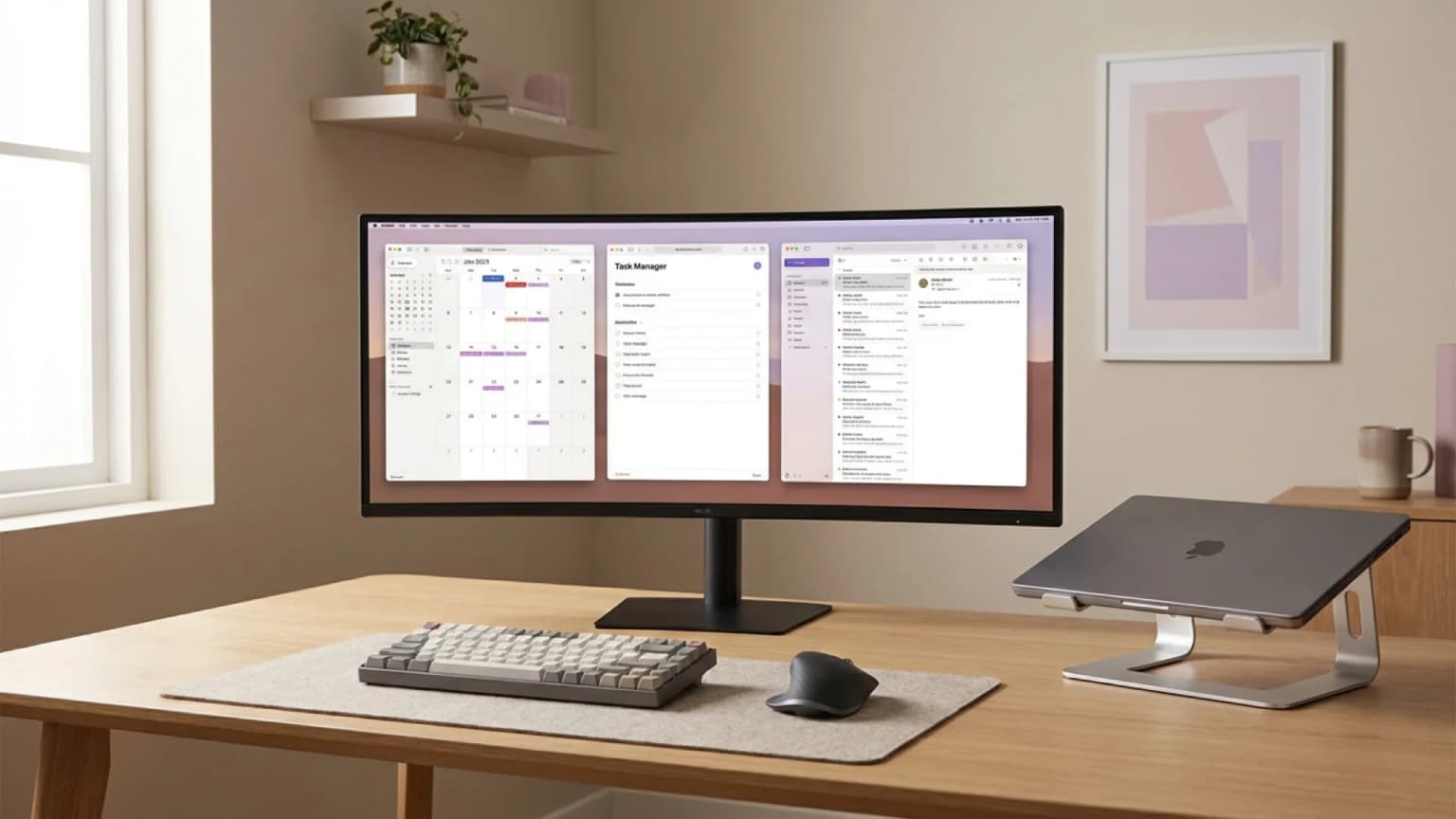
Best ultrawide monitors for WFH 2026: Dell S3425DW 120Hz value pick, LG 34WR55QC-B, budget Samsung ViewFinity S50GC, and the premium Dell U3425WE dock.
 Featured
The best monitor for working from home in 2026 is the Dell S2725QC — 4K, 120Hz and 65W USB-C at $329.99. Plus the specs that matter and the ones to skip.


