The Perfect WFH Setup for Programmers in 2026
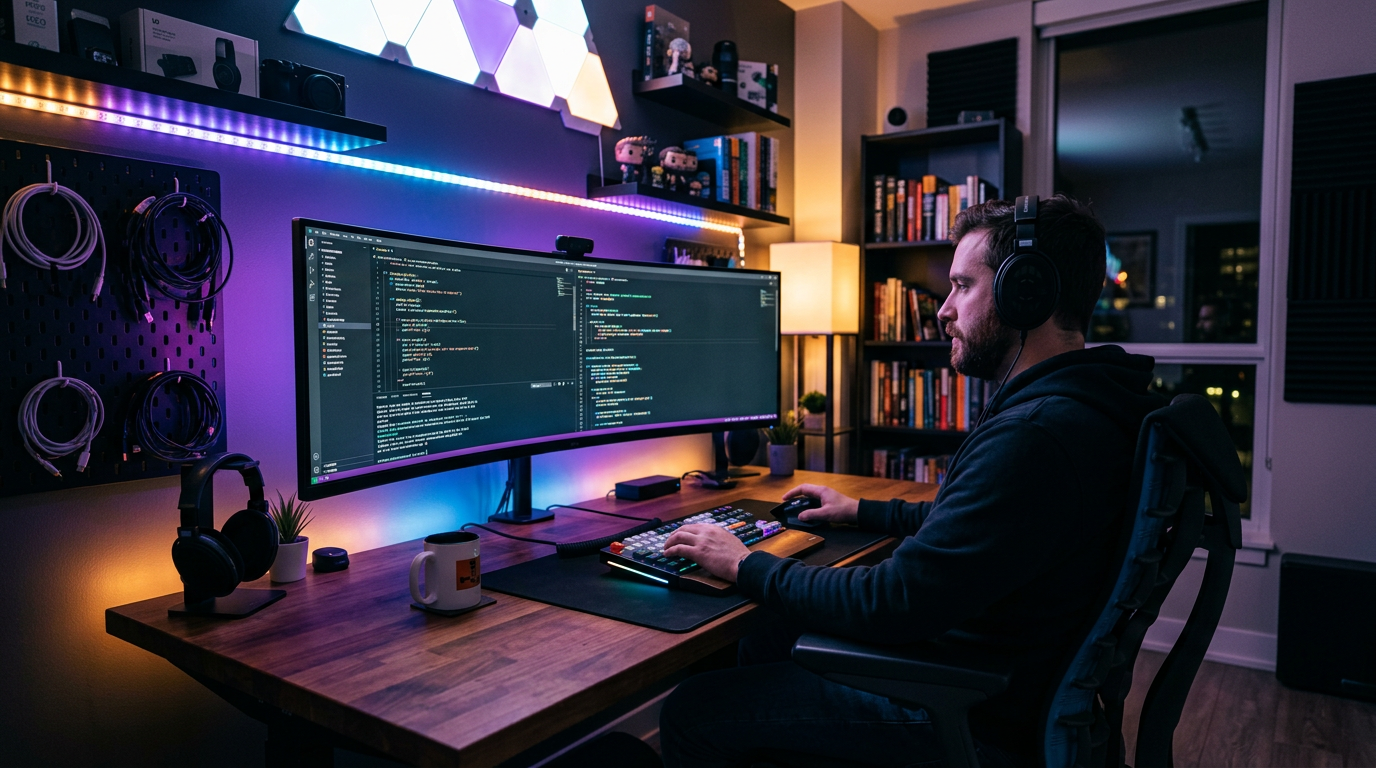
Programming is a uniquely demanding physical activity. You type more than almost anyone else. You stare at small text on a screen for hours. You switch between windows constantly. And you do this for 8-10 hours straight.
The right gear pays dividends in focus, reduced fatigue, and fewer RSI problems down the road.
The Priorities for Programmers
- Monitor(s): Screen real estate is productivity. Two monitors or one large ultrawide.
- Keyboard: You type constantly. Mechanical with the right switches matters.
- Chair: Long sessions mean back health is critical.
- Mouse: Less critical for programmers, but still important.
- Lighting: Eye strain reduction for long sessions.
Monitor: Go Ultrawide or Dual
Option A: 34" Ultrawide (Best for Single-screen focus)
LG 34WN80C-B (34", 1440p ultrawide, $449) — one continuous workspace. Terminal on the left, editor in the center, documentation on the right. No bezel in the middle.
Option B: 27" Primary + 24" Secondary (Best for reference)
LG 27BN65Q-B (27", 1440p, $249) as primary. Any 1080p 24" as secondary for documentation, Slack, or browser. Lower cost, more versatile.
Why 1440p matters for code: 1440p at 27" gives you more lines of code visible without scrolling than 1080p. Text is sharp enough that you won't miss retina. 4K is overkill unless you're also doing design work.
Keyboard: Mechanical, Medium Tactility
For programmers, the best switches are:
- Cherry MX Clear / Gateron Brown: Tactile bump without a click. Satisfying for long typing sessions.
- Topre switches (if you have $200+): The HHKB Professional Hybrid Type-S is the keyboard many senior engineers swear by.
- Cherry MX Silent Red: If you're on calls constantly, linear and quiet.
Top picks:
- Keychron K2 Pro ($99): Best value. QMK/VIA programmable, hot-swappable.
- HHKB Professional Hybrid ($250): The best typing feel available. Compact layout reduces arm travel. Used by some of the most productive engineers.
- Kinesis Advantage 360 ($399): For anyone with or preventing RSI. Ortholinear, split, contoured. A different world.
Mouse: Low Effort, High Precision
The Logitech MX Master 3S is the top pick. For programmers:
- Multi-device switching (laptop + desktop)
- App-specific button customization (Logi Options+)
- The MagSpeed wheel for fast navigation through long files
Chair: Invest Here
If you're programming 8+ hours daily, this is where to spend money. The Herman Miller Aeron or Steelcase Leap V2 refurbished at $600-900 are the most common chairs in the "best investment I made" category in developer communities.
Branch Ergonomic Chair ($349) if you need to stay under $400.
The Lighting Setup for Code
Dark mode + good ambient lighting = less eye strain. The BenQ ScreenBar mounts on your monitor and lights your desk without creating screen glare. Combined with dark mode IDEs (VS Code with a good dark theme), this is the eye-health-maximizing setup.
Complete Build Options
$800 programmer setup:
- Keychron K2 Pro + MX Master 3S: $200
- LG 27BN65Q-B 27" 1440p: $249
- Branch Ergonomic Chair: $349
- Total: $798
$1,500 programmer setup:
- HHKB Professional Hybrid: $250
- LG 34WN80C-B Ultrawide: $449
- Refurbished Herman Miller Aeron: $700
- BenQ ScreenBar Plus: $99
- Total: $1,498
Frequently Asked Questions
Q: What monitor resolution is best for programming? A: 1440p at 27" is the sweet spot. You get significantly more lines of code visible than 1080p, sharp enough text for long sessions, and it's cheaper than 4K. Ultrawide 1440p (3440×1440) is even better if you can afford it.
Q: Is the HHKB keyboard worth it for programmers? A: Many experienced developers say yes. The Topre switches provide a unique feel that some consider the best for heavy typing. The compact layout (no function row, no numpad) keeps everything within natural reach. It requires learning a few layers but becomes highly efficient.
Q: Should programmers use a split keyboard? A: If you're developing wrist problems, yes — look at the ZSA Moonlander or Kinesis Advantage 360. For everyone else, a quality standard mechanical keyboard is fine. Don't pre-optimize for ergonomics you don't yet need.
Q: What's the best monitor for coding: IPS or VA? A: IPS for most programmers. Better color accuracy (useful if you do any front-end work), better viewing angles for pair programming, and comfortable black levels. VA panels have deeper blacks (great for dark mode) but limited availability in quality options at 1440p.