How to Build a $500 Home Office Setup That Actually Works
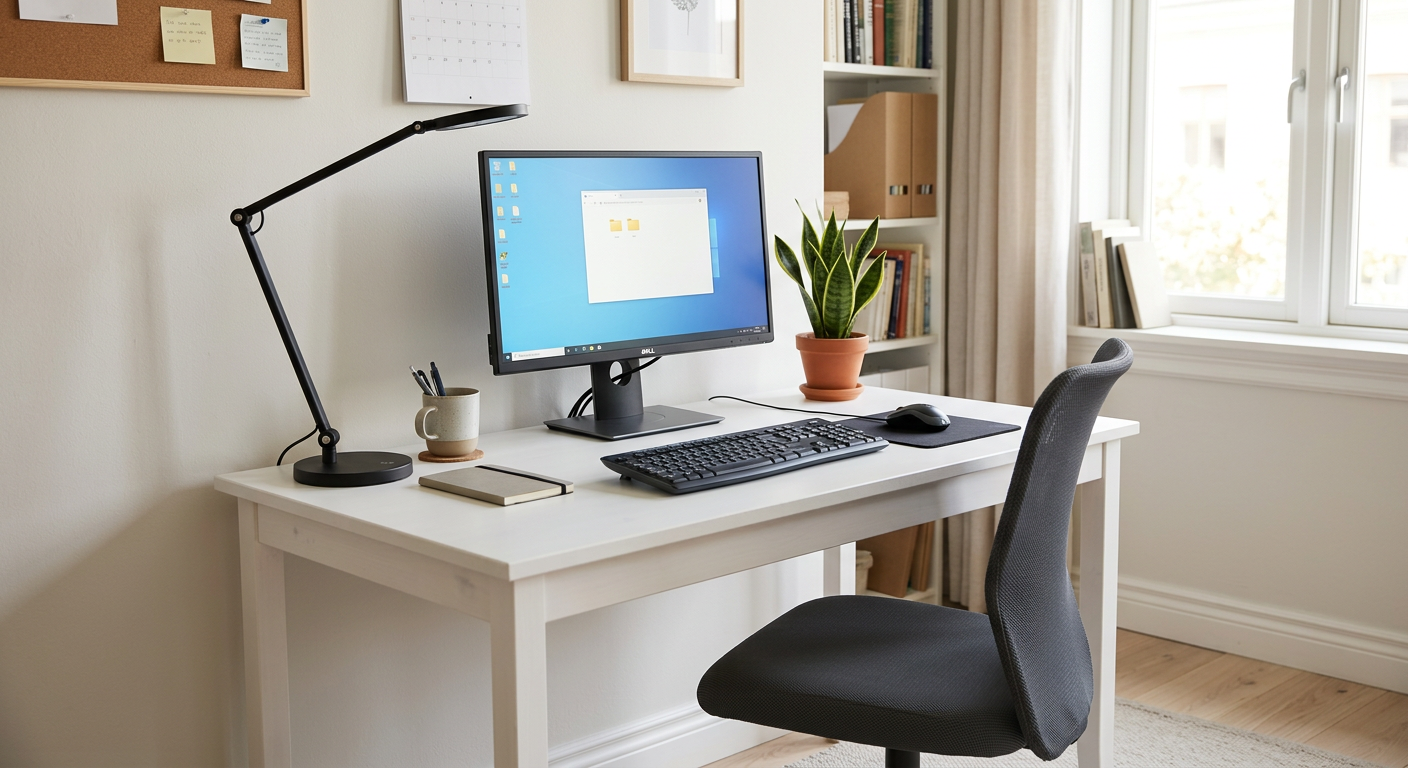
Most people spend $500 on a home office setup wrong. They buy a cheap version of everything and end up with a mediocre version of everything. A smarter approach: spend on what matters most and go basic on what doesn't.
Here is the $500 budget home office build, in order of actual impact.
The Priority Stack
- Chair — you sit in it 8 hours. Most impactful.
- Monitor — you stare at it all day. Second most impactful.
- Keyboard and mouse — physical interface with everything. Third.
- Desk — matters less than you think if you already have something.
- Accessories — last, with whatever's left.
The Build
Chair: Branch Ergonomic Chair — $349
This is the anchor. Spend here first. The Branch has adjustable lumbar support, 4D armrests, and seat depth adjustment — features usually reserved for $800+ chairs.
What you give up vs. a $1,500 chair: Build durability over 10+ years, finer adjustment granularity.
What you get: A genuinely ergonomic chair that will serve you well for 5-7 years.
Budget remaining: $151
Monitor: LG 24MK430H-B (24", 1080p) — $99
Not the most exciting monitor. Solid IPS panel, 75Hz, VESA mount compatible. If you're coming from a laptop screen, this transforms your workday.
Budget remaining: $52
Keyboard + Mouse: Logitech MK470 Combo — $49
Wireless slim keyboard and silent mouse in a bundle. Quiet clicks, low profile, connects via USB nano receiver. Not exciting but functional and quiet for calls.
Budget remaining: $3
The $500 Budget Breakdown
| Item | Price |
|---|---|
| Branch Ergonomic Chair | $349 |
| LG 24MK430H-B Monitor | $99 |
| Logitech MK470 Combo | $49 |
| Total | $497 |
What to Upgrade First When You Have More Budget
Next $100: Add a desk lamp (BenQ ScreenBar $79) for eye strain and better video calls.
Next $100: Upgrade the mouse to a Logitech MX Master 3S ($99) — the MagSpeed scroll wheel will feel like cheating.
Next $150: Add a webcam (Logitech C920, $70) and a cable management kit ($30).
Next $300: Standing desk (FlexiSpot E7, $499) — transformative for energy and posture.
When to Spend More
If you're doing this professionally long-term, the chair is always worth upgrading. A refurbished Herman Miller Aeron or Steelcase Leap V2 ($600-900) from a reputable dealer is a better 10-year investment than any new sub-$400 chair.
The monitor is worth upgrading to 1440p/27" (~$200-250) as soon as budget allows — you spend all day looking at it.
Frequently Asked Questions
Q: What is the most important thing to buy for a home office? A: The chair. You sit in it 8 hours a day. A bad chair actively damages your back over time. The Branch Ergonomic Chair at $349 is the best option at the budget end — adjustable lumbar, 4D arms, seat depth slider.
Q: Can you build a good home office setup for under $500? A: Yes, with the priority stack above. Spend 70% on the chair, use the rest for a monitor and keyboard/mouse combo. Skip the desk (use what you have), skip premium peripherals until you have more budget.
Q: Should I buy a standing desk as my first upgrade? A: No. Spend on the chair first. A $349 ergonomic chair will help you more than a $300 standing desk if you're still sitting all day — and you'll sit even in a standing desk setup.