Cable Management 101: How to Clean Up Your Home Office Desk
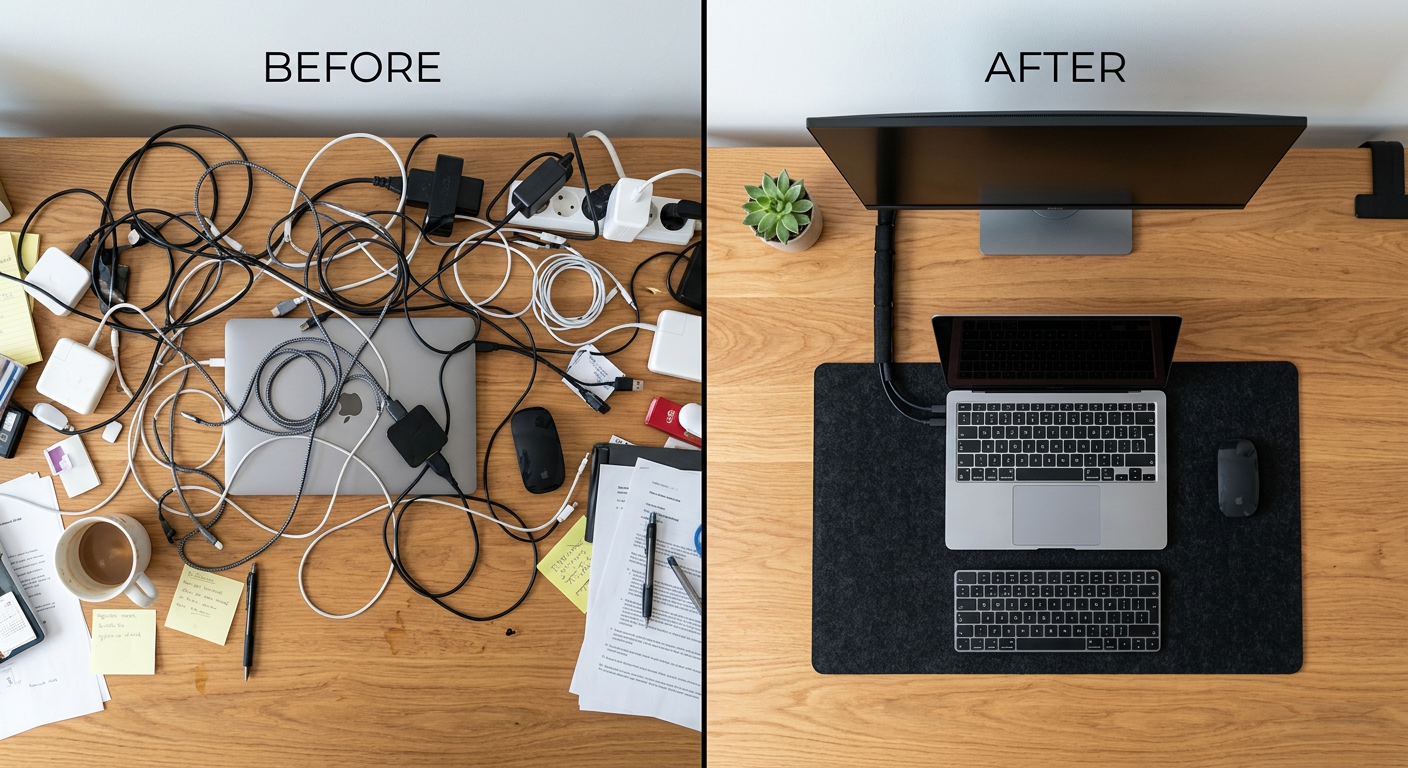
Every cable on your desk is a micro-distraction. Not a big one — but they add up. A clean desk signals to your brain that you're in a professional space. A tangled cable mess signals chaos.
The good news: cable management is one of the cheapest upgrades with the most visible impact. You can fix most desks in an afternoon for under $50.
The Problem Hierarchy
Before buying anything, identify which cables are the actual problem:
- Under desk (power strips, adapters) — most impactful visual win
- On desk (cables running across surface) — second biggest
- Monitor arm / device cables — finishing touch
- Behind the desk (wall cables) — optional, but professional
Fix in that order.
The Solutions
Level 1: Under Desk ($15-40)
Cable tray: A simple under-desk mounting tray (IKEA SIGNUM, $15) holds a power strip and adapters out of sight. Drill two screws under your desk, drop everything in. This alone transforms most setups.
Velcro cable ties: Buy a pack ($8 on Amazon). Wrap every cable bundle. Stop using zip ties — Velcro means you can undo it later.
IKEA SIGNUM cable tray: $15. Attaches under the desk. Holds power strips and excess cable length. The most cost-effective cable management product available.
Level 2: On-Desk Routing ($20-50)
Cable clips (3M adhesive): Stick cable routing clips along the back edge or underside of your desk to route cables out of sight. J-channels from Amazon run cables along desk legs to the floor.
Cable sleeve: For the bundle that inevitably runs from your desk to the wall, a fabric cable sleeve ($12) makes it look intentional. Neosmuk makes good ones.
Level 3: Monitor Arm Integration
If you're using a monitor arm, most modern arms have cable channels built in. Run your DisplayPort/HDMI and USB-C through the arm — cables disappear entirely.
Level 4: Wireless Everything
The nuclear option: eliminate cables by going wireless.
- Wireless keyboard: Logitech MX Keys, Keychron K2
- Wireless mouse: Logitech MX Master 3S
- Wireless charging pad: no cable on your phone
Each wire you eliminate is one you don't have to manage.
The $50 Cable Management Kit
Everything you need:
- IKEA SIGNUM cable tray: $15
- Velcro cable ties (50-pack): $8
- 3M adhesive cable clips: $8
- Cable sleeve (2m): $12
- Total: ~$43
The End State
When you're done, the only cables visible should be: power cord to wall, and whatever's between your monitor and arm/stand. Everything else: zip-tied, clipped, or in a tray.
Frequently Asked Questions
Q: What is the easiest way to hide cables under a desk? A: An under-desk cable tray (IKEA SIGNUM or similar) + Velcro ties for bundles. Mount the tray, velcro your power strip and adapter bundle to it, and route cables to devices. Takes 20 minutes and costs $25.
Q: How do I hide the cable from my desk to the wall? A: A cable raceway/channel mounts on the baseboard or wall and runs cables out of sight. Amazon Basics makes good ones. Or a fabric cable sleeve along the floor if you don't want to drill.
Q: Should I go wireless for cable management? A: If you're starting from scratch, yes. A wireless keyboard and mouse eliminate 2-3 cables immediately. Combine with a docking station (one cable to your laptop) and you can have a nearly cable-free desk.
Q: How do I stop cables from tangling behind my monitor? A: A monitor arm with cable management channels is the cleanest solution. If you're keeping your stand, use adhesive cable clips along the monitor stand column to route cables downward in a bundle.