Keychron K2 vs K8: Which Keychron Should You Buy?
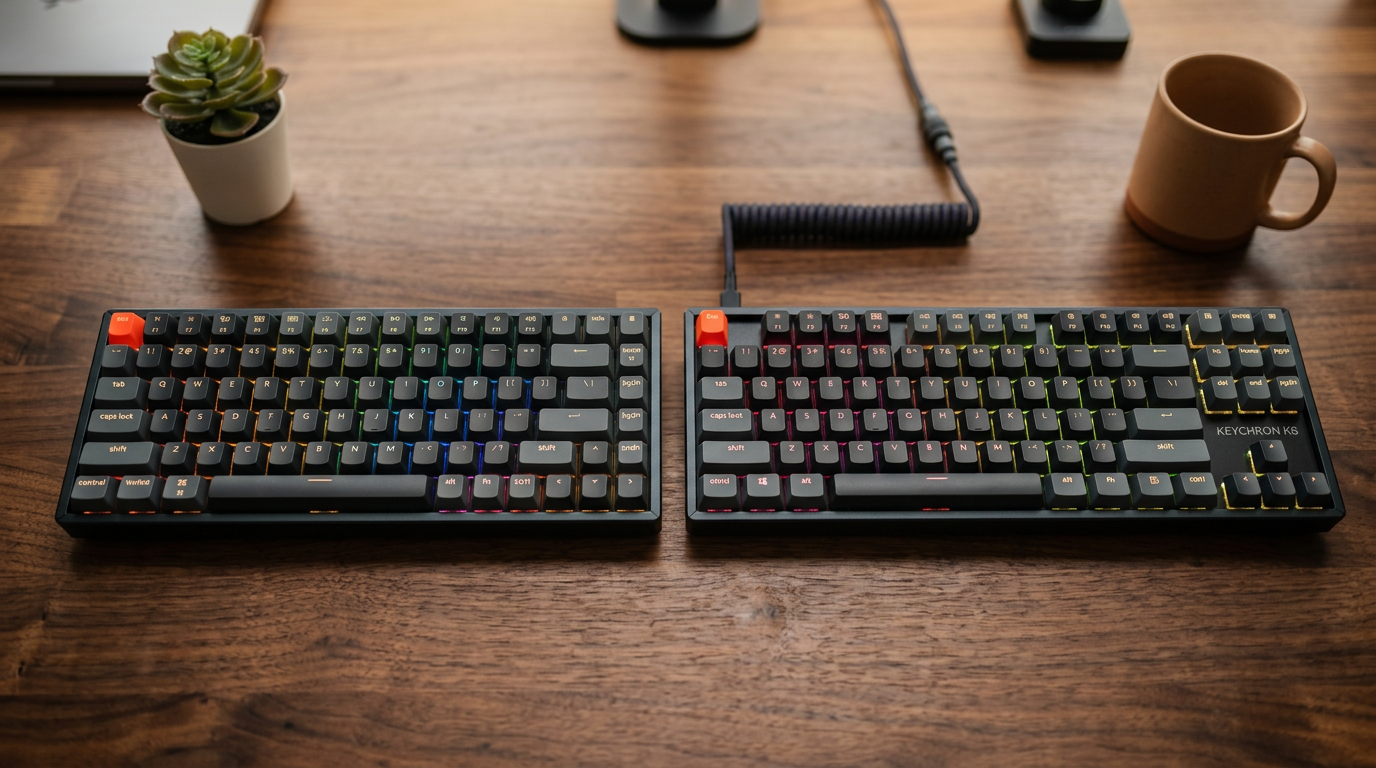
Keychron makes the best mechanical keyboards in the $80-120 range. The K2 and K8 are their two most popular models. They're similar but serve different users.
The Core Difference
Keychron K2 (75% layout): Has function row (F1-F12) and arrow keys. More compact. Fits on most desks without crowding the keyboard shelf.
Keychron K8 (TKL): Tenkeyless — full keyboard minus the numpad. Larger, more space between keys, more typing real estate. Feels closer to a full-size keyboard.
Side By Side
| Feature | K2 | K8 |
|---|---|---|
| Layout | 75% | TKL (87%) |
| Keys | 84 | 87 |
| Size | 31.8 × 12.4cm | 36 × 13.1cm |
| Price | $89-109 | $89-109 |
| Hot-swap | Yes (V2 Pro) | Yes |
| Wireless | Yes | Yes |
| Backlighting | RGB or white | RGB or white |
When to Get the K2
- You have a smaller desk and want a compact layout
- You frequently use F-keys but don't need them in the standard TKL position
- You want to save desk space for a larger mouse pad
- You prefer the compressed layout (everything within shorter reach)
When to Get the K8
- You're coming from a full-size keyboard and don't want to relearn key positions
- You do frequent data entry where the standard layout matters
- The extra width doesn't bother you
- You prefer more spacing between key clusters (arrow keys feel less cramped)
Switch Recommendations
For both keyboards, the switch choice matters more than the model:
For remote work and calls: Red (linear, quiet) or Brown (tactile, moderately quiet)
For programming: Brown (tactile) or Banana (Keychron's proprietary — excellent)
If noise isn't a concern: Blue (clicky, very satisfying)
The Gateron versions of each switch are generally smoother than Cherry at the same price point. Keychron's own Banana/Mint switches (available on K2 Pro and K8 Pro) are worth considering.
The Pro Versions
Both are available as "Pro" variants at $10-20 more. The Pro adds:
- QMK/VIA support (full keyboard remapping and macros)
- USB-C hot-swap
If you're technical and want to customize your keyboard behavior, the Pro is worth it. If you just want a good keyboard that works, the base version is fine.
Our Pick
For most people: K2 Pro. The compact 75% layout keeps everything within reach, the function row is there when you need it, and QMK opens up a lot of customization later.
If you know you prefer a standard TKL feel: K8 Pro. No compromise on layout, similar price.
Frequently Asked Questions
Q: Is the Keychron K2 or K8 better for Mac? A: Both have a Mac/Windows toggle switch. The K2 is slightly preferred on Mac for its compact size. Both include Mac-specific keycaps.
Q: What is the difference between Keychron K2 V1 and V2? A: The V2 adds hot-swappable switches — the most significant upgrade. Lets you change switches without soldering. Always get V2 or the Pro version.
Q: Does the Keychron K8 support RGB? A: Yes, the RGB backlit version supports full per-key RGB. There's also a white LED version for those who prefer single-color or no backlighting.
Q: Is Keychron worth the price vs Ducky or Leopold? A: For Mac users specifically, Keychron is the better value — proper Mac layout and software support. Ducky and Leopold make excellent boards for Windows users and have slightly better build quality at the same price.