Logitech C920 vs Brio 4K: Which Webcam Should You Actually Buy?
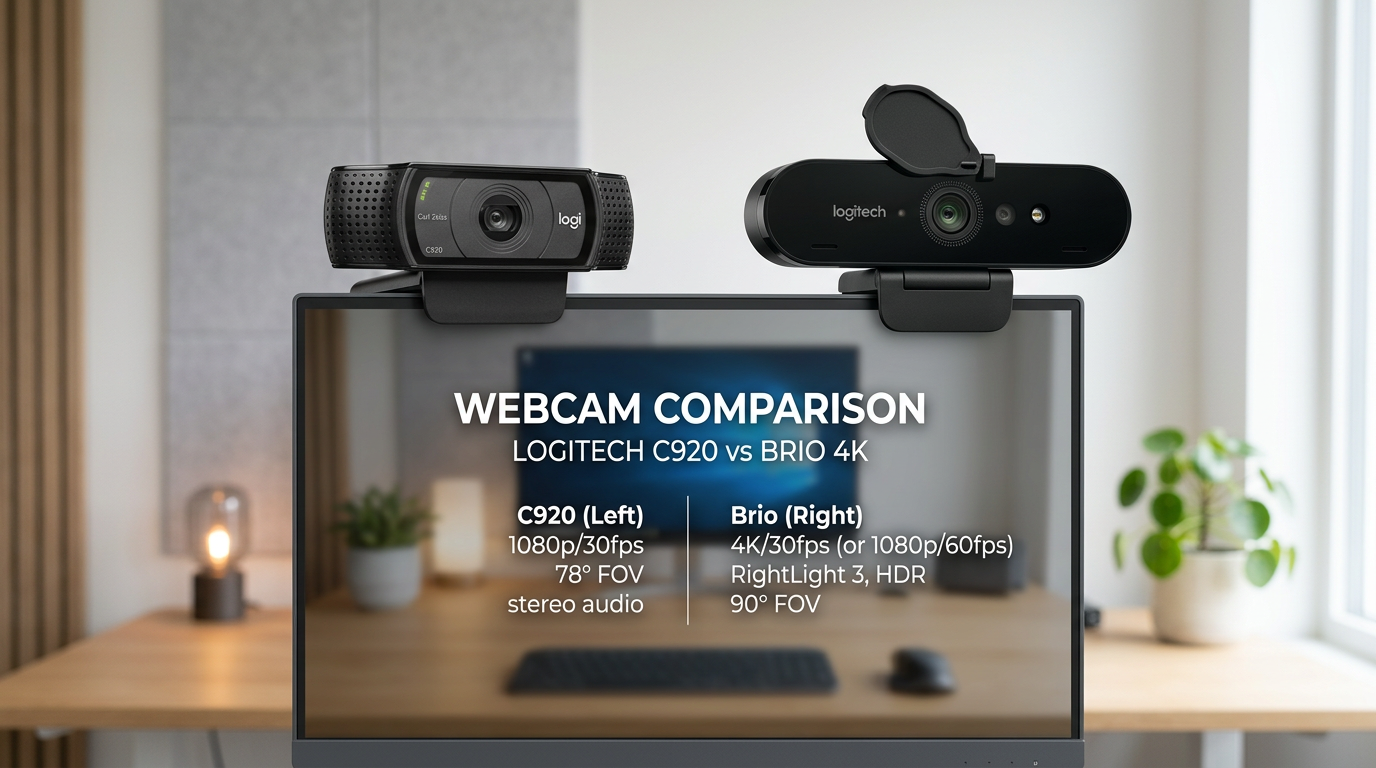
The Logitech C920 has been the most recommended webcam for remote workers for a decade. The Brio 4K costs nearly three times as much. Before you spend the extra $130, let's actually compare what you're getting.
The Short Answer
Get the C920 if: You just want clear 1080p video calls. It does this excellently.
Get the Brio 4K if: You need 4K capture (streaming, YouTube), excellent low-light performance, or HDR.
For most remote workers doing Zoom/Teams/Meet calls: the C920 is the right answer.
Side by Side
| Feature | C920 | Brio 4K |
|---|---|---|
| Max resolution | 1080p/30fps | 4K/30fps |
| Field of view | 78° | 65-90° (adjustable) |
| Low-light | Good | Excellent |
| Autofocus | Yes | Yes |
| HDR | No | Yes |
| Facial recognition | No | Yes (Windows Hello) |
| Price | ~$70 | ~$200 |
The 4K Question
The most important thing to know: Zoom, Teams, and Google Meet don't stream at 4K. They cap at 1080p for video calls (usually lower unless you're on a very fast connection).
The Brio 4K's sensor advantage shows up in:
- Local recording at 4K (streaming, YouTube, Loom)
- Better image processing even at 1080p
- Low-light performance (larger sensor = more light captured)
If you're only ever on video calls, you'll pay $130 for a marginal improvement.
Low-Light Performance
This is where the Brio genuinely wins. In a dim room, the Brio's larger sensor captures significantly more light. Your face stays clear instead of going grainy.
If your home office has variable lighting (or you often work at night), the Brio's low-light advantage is the most practical reason to upgrade.
Field of View
The C920 has a fixed 78° FOV — wide enough for one person at a desk. The Brio lets you adjust between 65°, 78°, and 90° in software. The 90° mode is useful if you share your camera with someone (coworker, spouse on a call).
Who Should Get the Brio 4K
- Streamers and content creators who record at 4K
- People with poorly lit home offices who notice their video quality is grainy
- Windows users who want facial recognition login (Windows Hello)
- Professionals where appearance matters — executive calls, client-facing roles
Making Your Camera Look Better Without Upgrading
Better desk lighting facing you will improve how you look on calls more than upgrading from C920 to Brio. This is worth trying first.
Position your key light slightly above eye level, angled down at your face. The difference is substantial regardless of which camera you're using.
Frequently Asked Questions
Q: Is the Logitech C920 still worth it in 2026? A: Yes, absolutely. 1080p, reliable autofocus, works with every video call platform, and widely available. For most remote workers it's the ideal balance of quality and price.
Q: Does the Brio 4K work with Mac? A: Yes, fully compatible with macOS. Windows Hello facial recognition requires Windows, but all video features work on Mac.
Q: What's the difference between the C920 and C920x? A: The C920x is a minor refresh — identical specs but includes a privacy cover. If you want a physical lens cover, get the C920x. Otherwise the original C920 is the same camera.
Q: Is there a better webcam than the Brio 4K? A: The Sony ZV-E10 mirrorless camera with Elgato Camlink gives significantly better image quality ($400+ total) — popular with streamers. For most remote workers, the Brio is overkill; for creators, a mirrorless might be worth it.