The Ultimate WFH Setup Guide for 2025
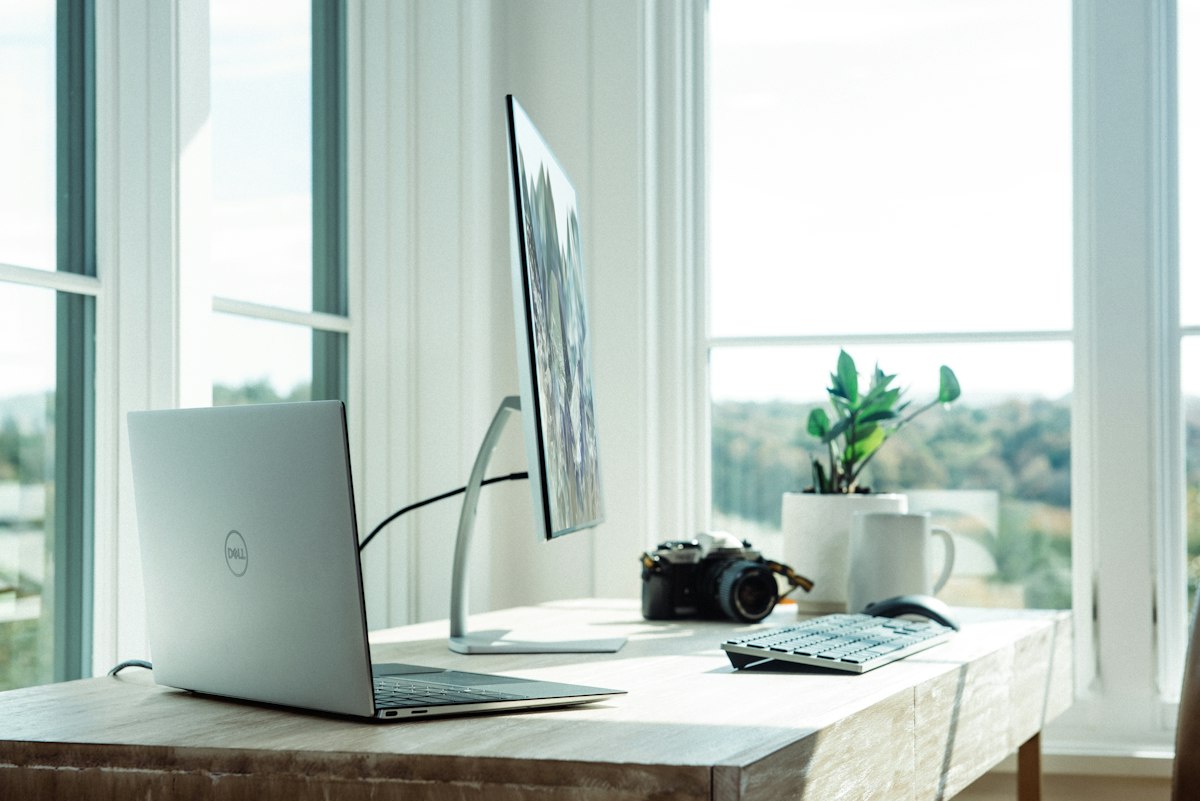
Working from home has evolved from a temporary necessity into a permanent lifestyle for millions of professionals. Whether you're a seasoned remote worker or just starting out, having the right setup can make the difference between productive days and frustrating ones.
This guide covers everything you need to build the perfect home office in 2025 — without overspending.
Start with Your Desk Setup
Your desk is the foundation of your WFH setup. Before buying anything else, ask yourself: do you have enough space? A good rule of thumb is at least 48 inches of width and 24 inches of depth. This gives you room for a monitor, keyboard, mouse, and a cup of coffee (essential).
If you're working long hours, consider a standing desk. Alternating between sitting and standing throughout the day can reduce back pain, improve energy levels, and boost focus. Electric standing desks have come down significantly in price — you can get a reliable dual-motor desk for under $500 now.
The Monitor Makes the Difference
Nothing transforms your WFH productivity like a great monitor. If you're working off a laptop screen alone, you're leaving efficiency on the table. A good external monitor gives you:
- More screen real estate for multitasking
- Reduced eye strain from a properly positioned display
- Better color accuracy for creative work
- The ability to separate work from personal life physically
For most WFH professionals, we recommend a 27-inch 4K IPS monitor. The pixel density at 27 inches is exceptional — text looks crisp, images are stunning, and you won't feel like you need to sit too close.
Keyboard and Mouse: The Daily Drivers
You'll use your keyboard and mouse for 8+ hours a day. Investing in quality peripherals isn't a luxury — it's ergonomics.
For keyboards, consider switching to a mechanical keyboard if you haven't already. The tactile feedback reduces typing errors and many people find they type faster with less effort. Wireless options like the Keychron K2 Pro give you the mechanical experience without cable clutter.
For your mouse, the Logitech MX Master 3S is the gold standard for productivity. Its MagSpeed scroll wheel lets you fly through long documents and spreadsheets.
Lighting and Webcam
If you're on video calls regularly, lighting and camera quality matter more than you think. Poor lighting makes you look unprofessional; a bad camera makes you look pixelated.
Start with a key light — a LED panel positioned just off-camera at eye level. The difference is dramatic. Then pair it with a quality webcam. The Logitech Brio 4K is the benchmark, but even a 1080p camera like the Anker C300 will dramatically improve your appearance on calls compared to a built-in laptop camera.
Audio: The Often-Overlooked Element
Bad audio is more distracting than bad video on calls. People can forgive a pixelated image, but choppy audio kills communication. A dedicated USB microphone or a headset with good noise cancellation will earn you more respect in meetings than any other upgrade.
Ergonomics: The Long Game
Finally, invest in ergonomics. A good chair, monitor at eye level (use a stand if needed), keyboard at elbow height, and regular breaks using the 20-20-20 rule (every 20 minutes, look at something 20 feet away for 20 seconds) will protect your body for the long haul.
Your WFH setup is an investment in your health and career. Start with the basics, and upgrade over time as your budget allows. Your future self will thank you.