1 1
1
1Amazon Basics Laptop Cooling Pad with 6 Quiet Fans
💰 Best BudgetCheapest pad here, and the only one that adds a USB-C passthrough
$23.06 Buy on Amazon
WFH Lounge · Best Picks
Most cooling pads only drop CPU temperatures a few degrees, so buy one for height and airflow and spend as little as the Amazon Basics six-fan pad. The vacuum coolers that promised more have fallen under our rating bar.
Laptop cooling pads and vacuum coolers that reduce thermal throttling on MacBooks, gaming laptops, and any chassis that gets hot under sustained load.
Top pick
Amazon Basics Laptop Cooling Pad with 6 Quiet Fans
Six quiet fans with a speed dial, six height settings and the only USB-C passthrough in the category, sold by Amazon for about $23 - the 2025 pad that makes the old three-fan designs hard to justify.
Buy on AmazonBest seller
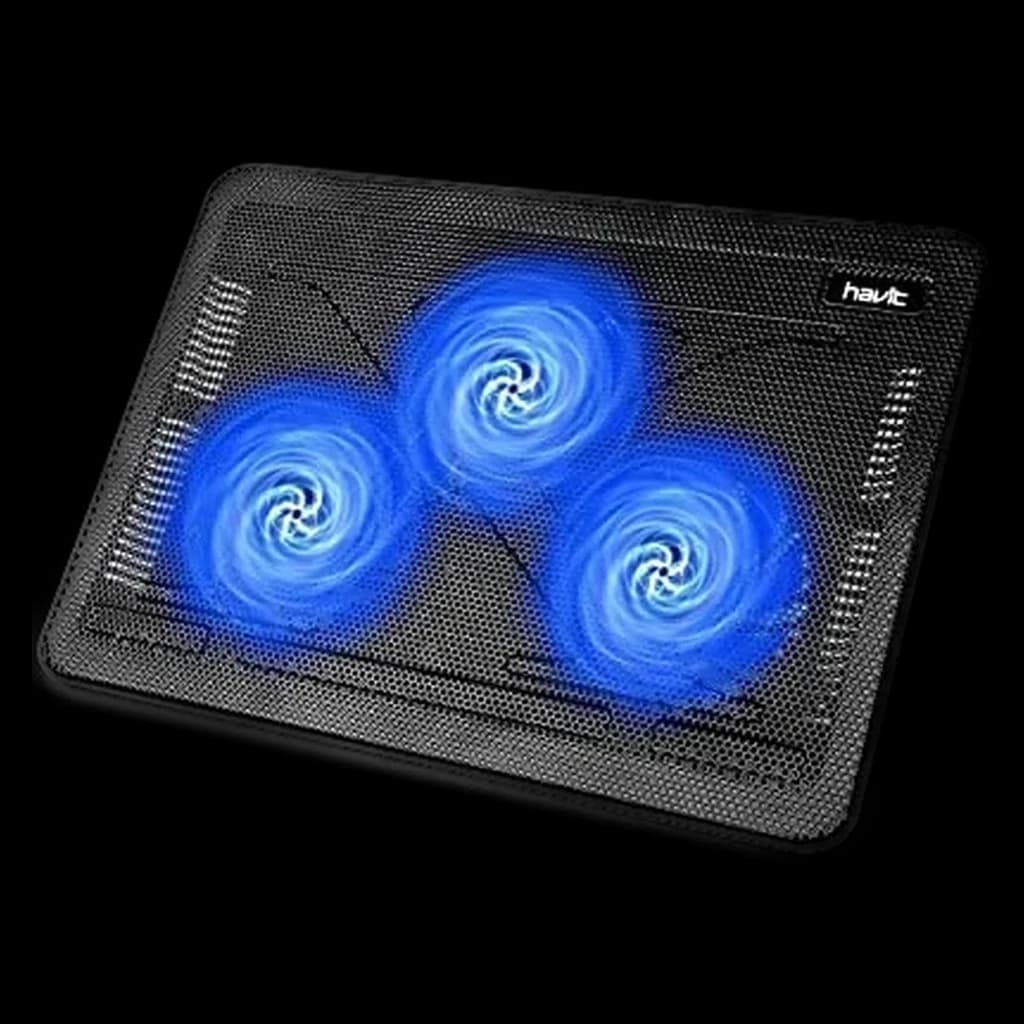
HAVIT HV-F2056 Laptop Cooling Pad
The #1 best-selling cooling pad for a decade: three large fans, 45,000 owner ratings and a 4.4-star average for about $28.
Buy on AmazonSkip this
RGB cooling pads with 5+ small 70mm fans under $25 — Sleeve-bearing 70mm fans develop a high-pitched whine within 60 days of daily use, the multi-fan layout creates noise without meaningful airflow gain over a single 200mm fan, and the RGB lighting contributes nothing thermal. Independent testing shows these pads typically drop temps 2-3 degrees Celsius, less than just lifting the laptop on a stand to allow ambient airflow underneath.
1Cheapest pad here, and the only one that adds a USB-C passthrough
 2
2The Notebookcheck-tested fan pad with a real 12 degree CPU drop on gaming laptops - the safe sub-$30 default
 3
3A sealed turbofan pad in the Razer mould at a mid-range tier: one 4.7-inch fan with a memory-foam seal, a stepless speed wheel and a removable dust filter, powered by its own wall adapter. llano claims up to 44 C lower CPU/GPU temperatures from lab tests; it is the only pad on this page with a user-replaceable filter.
 4
4The step up from the V11 Pro on this page: a single 5.5 in turbo fan sealed to the laptop's intake with memory foam, a 36W wall adapter, and llano's Myth.cool software that sets fan speed from CPU load. Built for 15.6-19 in gaming or workstation laptops that thermal-throttle on a passive stand.
 5
5The premium pad here and the only one that regulates itself: Razer's single 140 mm fan ramps with laptop temperature via Synapse, inside a sealed pressure chamber with swappable magnetic frames for 14 to 18 inch laptops. Razer claims up to 16 C cooler CPU and GPU temperatures, and backs it with a 2-year warranty.
| Spec | |||||
|---|---|---|---|---|---|
| Buy | Not sold on Amazon right now | ||||
WFH Scoremethodology → | Cooling Performance 75 Noise 72 Build & Ergonomics 72 Value 87 Owner Satisfaction 74 | Cooling Performance 70 Noise 70 Build & Ergonomics 73 Value 86 Owner Satisfaction 78 | — | Cooling Performance 77 Noise 74 Build & Ergonomics 77 Value 77 Owner Satisfaction 73 | Cooling Performance 71 Noise 63 Build & Ergonomics 71 Value 62 Owner Satisfaction 64 |
| Buyer sentiment | Too new for a buyer summary | Cooling Noise Level Functionality Quality Reliability Buyers praise cooling, noise level, functionality and quality. Mixed feedback on airflow. Some flag reliability. Based on 16,708 user mentions | Too new for a buyer summary | Cooling Performance Functionality Build Quality Noise Level Buyers praise cooling performance, functionality and build quality. Mixed feedback on value for money and adjustability. Some flag noise level. Based on 284 user mentions | Cooling Performance Compatibility Fan Control Fan Speed Noise Level Buyers praise cooling performance, compatibility, fan control and fan speed. Mixed feedback on value for money and build quality. Some flag noise level. Based on 440 user mentions |
| Fans | 6, adjustable speed | — | — | — | — |
| Height settings | 6 | — | — | 3 tilt angles (3 / 12 / 15 degrees) | — |
| Fits | 12-17 in laptops | — | — | — | — |
| Ports | USB-A and USB-C passthrough | — | — | — | — |
| Indicator | Blue LED | — | — | — | — |
| Cooling Type | — | 3-fan blow-up pad | Single 4.72 in turbofan, sealed airflow with memory-foam gasket | Active, single sealed turbo fan with memory-foam intake seal | Single 140 mm fan, sealed pressure chamber, adaptive speed |
| Fan Size | — | Three large fans | 4.72 in / 120 mm class | 5.5 in (14 cm) | 140 mm |
| Compatibility | — | 15.6 to 17 inch laptops | 14 to 17.3 inch laptops with bottom intakes | 15.6-19 in laptops | 14 to 18 inch laptops, three magnetic frames |
| USB Ports | — | 2 (passthrough) | 3x USB 2.0 pass-through (no charging) | 3 x USB 3.0 hub (5 Gbps) via USB-A to USB-C cable | 3x USB-A 2.0 hub |
| Weight | — | 24 oz | Not stated | 2.15 kg (4.7 lb) | 1.6 kg / 3.52 lb (manufacturer) |
| Fan Speed | — | — | Up to 3,000 RPM, stepless (manufacturer listing) | Up to 2,800 RPM, software or scroll-wheel control | Up to 2,550 RPM, up to 48 dB (manufacturer); listing says 3,000 RPM |
* Prices checked Oct 17, 2026 and may not reflect current rates. As an Amazon Associate I earn from qualifying purchases.
As an Amazon Associate I earn from qualifying purchases. Product prices and availability are subject to change.
Notebookcheck's controlled thermal test on the HAVIT HV-F2056 measured a 12 degree Celsius drop on the CPU and 6 degree Celsius drop on the GPU under sustained load on an MSI GP65 10SFK with a Core i7-10750H and RTX 2070 Max-P, but only with the laptop's bottom intake fully exposed to the pad's fan column. Sealed-bottom laptops in the same test saw 2 to 4 degree drops.
r/gaminglaptops and r/HomeOffice consistently land on two answers: KLIM Tempest or IETS GT202UB for vacuum cooling on gaming laptops with side or rear exhaust vents, and the HAVIT HV-F2056 as the safe budget fan pad pick for laptops with bottom-vent intakes. r/macbookpro is more skeptical of the entire category - the consensus there is that an open-frame stand plus ambient airflow beats any active cooler for closed-chassis MacBooks, since Apple's slit exhaust is incompatible with clip-on vacuum coolers.
Popular options we evaluated and passed on, with the specific reason each one fell short of our top picks.
4.2 stars at our October 2026 check.
4.1 stars at our October 2026 check, sold by a third-party reseller.
~2016 design duplicating the HAVIT at the same price.
A 2016 design that duplicates the HAVIT at the same price.
A 2015 design that duplicates the HAVIT at the same price.
2019 model; the llano V11 Pro covers the mid slot.
Most laptop cooling pads work by blowing room-temperature air at the underside of the chassis. That helps a small amount - typically 2 to 5 degrees Celsius on the CPU - but it has a structural weakness: a sealed laptop bottom does not pass air through to the heatsink. The fans push air at a flat panel and most of it deflects sideways. The category that actually moves the needle is vacuum coolers, which clip onto the laptop's exhaust vent and pull hot air out of the chassis directly. Independent testing from Notebookcheck and a long trail of Reddit thermal logs put vacuum coolers at 8 to 12 degrees of CPU drop on thermally constrained gaming laptops, versus 2 to 5 degrees for a fan pad. The catch is fit: vacuum coolers only work if your laptop has a side or rear exhaust vent, which rules out most modern MacBooks (Apple's exhaust is a thin slit behind the hinge that does not accept clip-on coolers). For MacBook Pro M-series users, the most useful upgrade is an open-frame stand that lets ambient air circulate under the chassis - any of our laptop stand picks paired with a quiet desktop fan beats a flat cooling pad. Fan pads still earn their place in two scenarios: gaming laptops with fully ventilated bottom panels (every Razer Blade, MSI GS, ASUS ROG, and Lenovo Legion has these), and any laptop pushed hard enough to thermal throttle on battery away from a desk fan. Within fan pads, size and fan count matter less than airflow geometry. A single 200mm fan (Cooler Master NotePal X-Slim II, Thermaltake Massive 20 RGB) pushes more cubic feet per minute at lower noise than a row of small 70mm fans, and lower fan RPM is what keeps the pad usable on Zoom calls. RGB lighting and LCD screens are aesthetic; they have no thermal contribution. Skip them if you care about noise. Watch out for: cheap pads under $20 with bearing-grade fans that develop a high-pitched whine within 60 days, pads that block their own intake when the laptop sits flat against the surface, and any pad rated for under 17 inches if you run a 17-inch gaming laptop. Capacity ratings on the cheap end are often marketing - test under real load before committing.
Laptop Stands
A stand fixes the posture problem; a pad fixes the heat one.
$99.95
Laptops
Thermal throttling is a spec problem first — check the machine before buying a fan.
$1,149

The best portable laptop screen extenders for 2026, triple and single-panel, compared on size, weight and owner reviews, plus the ergonomics caveat.
Cool the person, not the room: a fan beats AC for a one-desk office, and the '72°F is optimal for focus' rule was debunked. The cheap fixes that work.
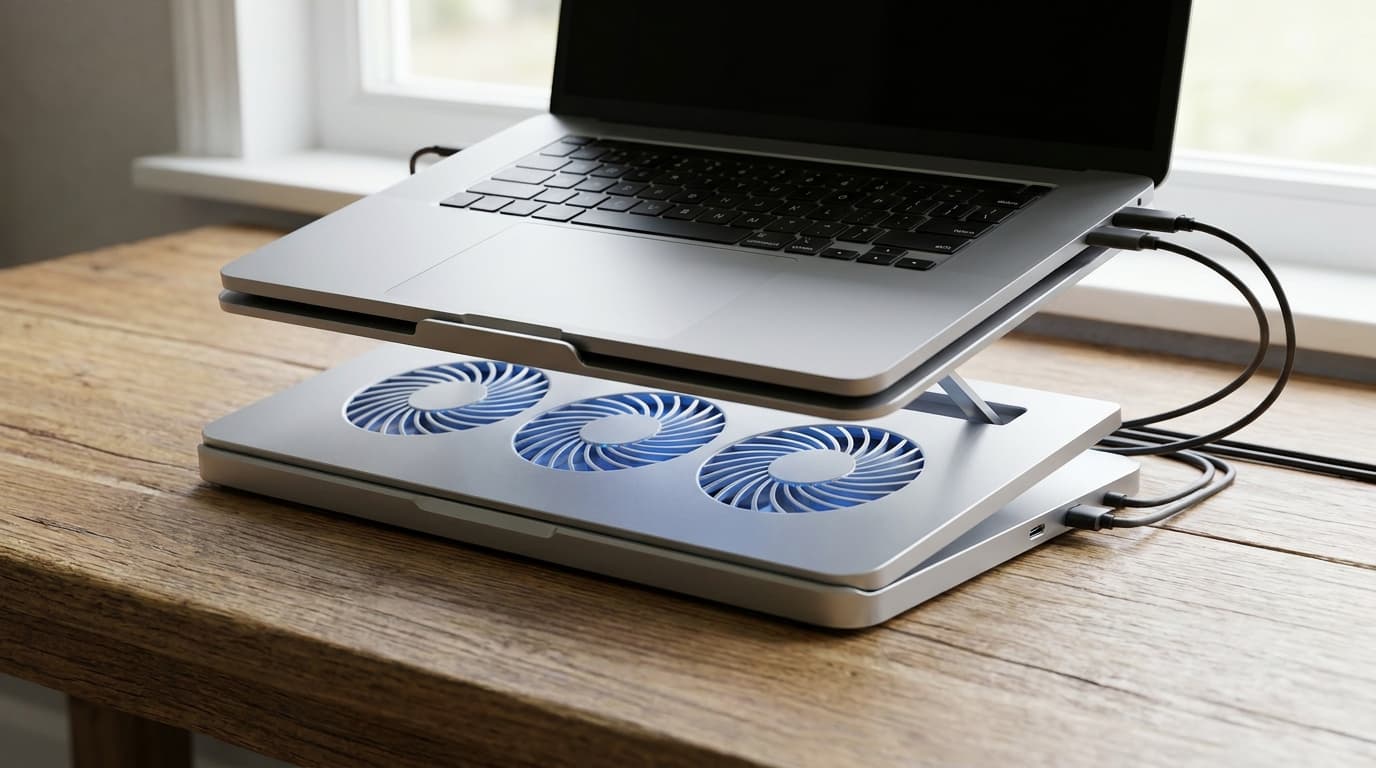
The 7 best laptop cooling pads for WFH in 2026: KLIM Tempest wins for thermal throttling, HAVIT HV-F2056 on a budget — plus the fan-pad mistake to avoid.