WFH Lounge · Best Picks

Best Monitor Arms for Working From Home

Buy by your monitor's actual weight, not its diagonal - a 32-inch ultrawide weighs 2-3x a 32-inch flat panel, and arms running near their max rating sag.

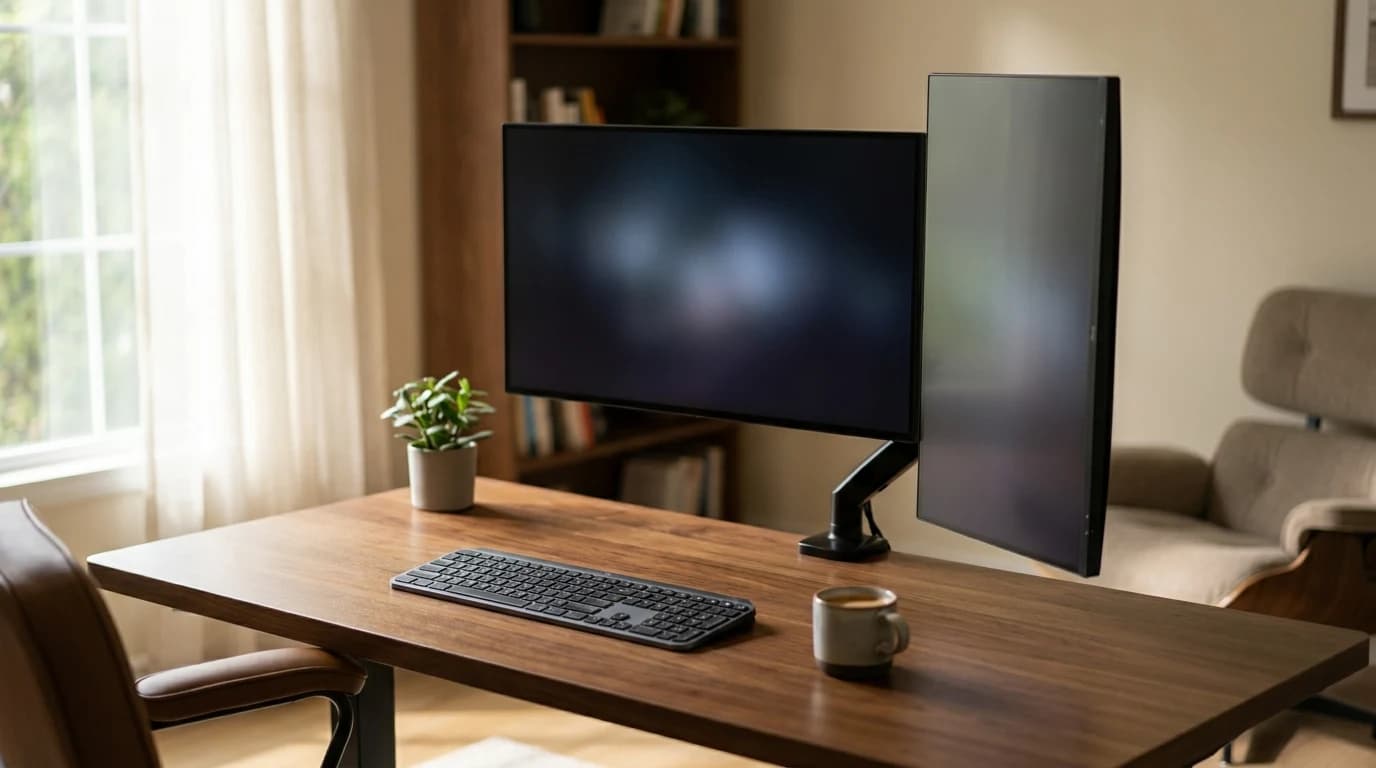
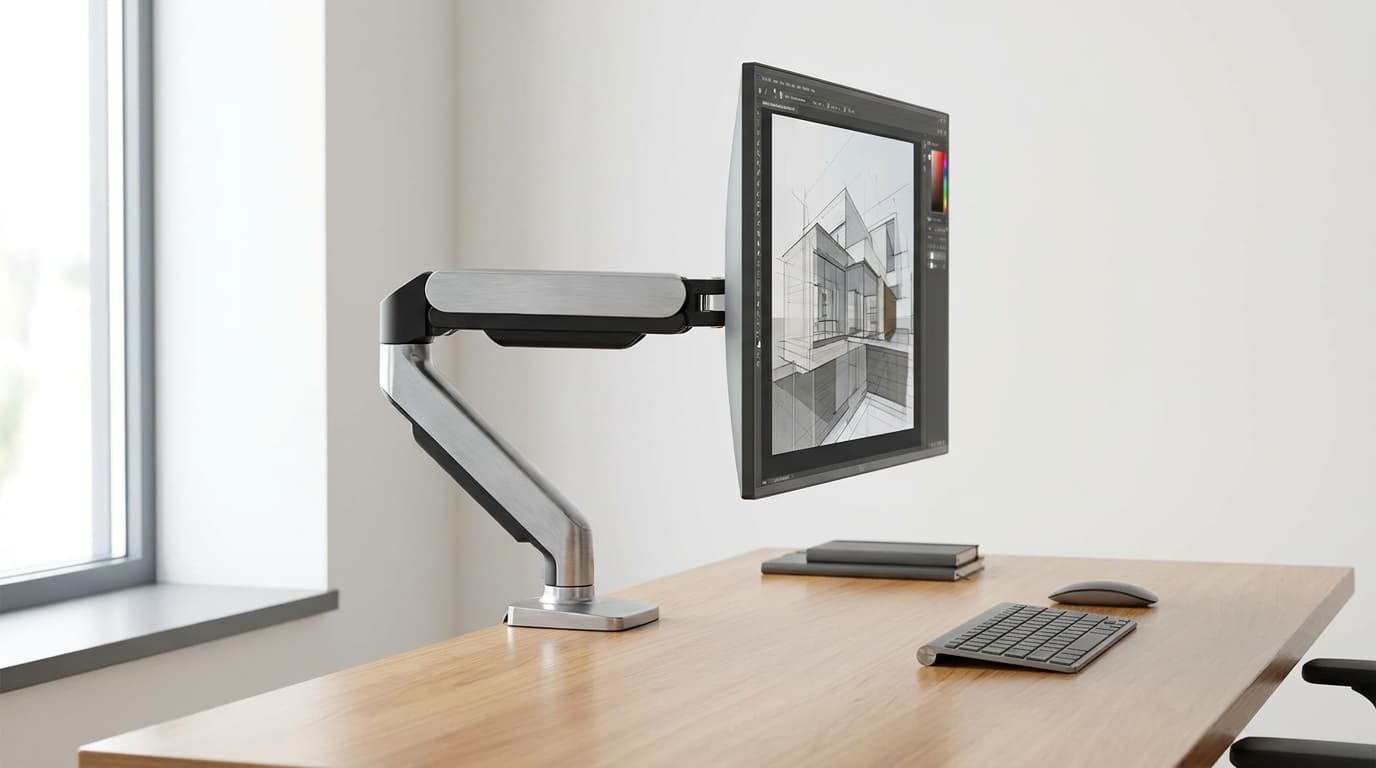
Adjustable monitor arms that free up desk space, get the screen to true eye level, and let you reposition displays without restacking books.

The 30-Second Answer

Top pick

HUANUO FlowLift Pro Single Monitor Arm (HNDMA118B-SS)

HUANUO's 2026 mechanical-spring arm for 13-32 inch screens: #7 in monitor arms, 4.5 stars from 5,000 owners, sold by HUANUO's store for about $30.

Buy on Amazon

Best value dual

HUANUO FlowLift Pro Dual Monitor Arm (HNDMA119B-DS)

Two FlowLift Pro arms on one clamp for about $45 - the cheapest way to float a pair of 27-inch panels.

Buy on Amazon

Skip this

No-name dual monitor arms under $50 with vague weight ratings — The gas springs in sub-$50 dual arms are sized for the lightest end of their weight range - pair them with two 27-inch IPS panels that each weigh 12 pounds and the arms sag within weeks, then drift down nightly as the springs warm and cool. The center post also amplifies micro-vibration from typing, so both screens shimmer in your peripheral vision all day. The $40 saved buys a $200 arm replacement six months later.

The shortlist

Find the right pick in 5 seconds

My budget
up to $200
Showing 8 of 8
HUANUO FlowLift Pro Single Monitor Arm (HNDMA118B-SS)1

HUANUO FlowLift Pro Single Monitor Arm (HNDMA118B-SS)

💰 Best Budget

HUANUO's 2026 single arm and the new top pick, replacing the older HUANUO single mount. It is the only arm on this page built on a mechanical spring (MechaSpring) rather than a gas cylinder, with a tension-indicator window and a tool-free snap-on VESA plate; HUANUO rates it for 13 to 32-inch screens.

↑ Installation↑ Sturdiness↑ Functionality↓ Screw Tightness
$29.98 Buy on Amazon
HUANUO FlowLift Pro Dual Monitor Arm (HNDMA119B-DS)2

HUANUO FlowLift Pro Dual Monitor Arm (HNDMA119B-DS)

💰 Best Budget

The dual-monitor version of the FlowLift Pro and the replacement for the VIVO V002 on this page. Two MechaSpring mechanical arms on one dual C-clamp, each with the tension window and tool-free VESA plate; the Amazon listing rates it for two 13 to 27-inch screens up to 15.4 lb each.

↑ Sturdiness↑ Value for money↑ Build Quality
$44.98 Buy on Amazon
MSI MAG MT101G Gas Spring Single Monitor Arm3

MSI MAG MT101G Gas Spring Single Monitor Arm

⭐ Best Value

MSI's current gas-spring single arm, replacing the MT201 on this page. It sits between the FlowLift Pro and the TitanLift on capacity: MSI rates it for 17 to 32-inch monitors up to 22 lb, with a quick-release VESA plate, clamp or grommet base and a 3-year warranty.

↑ Quality↑ Sturdiness↑ Installation
$49.99 Buy on Amazon
VIVO Heavy-Duty Ultrawide Monitor Arm, 17-49 in (STAND-V101V)4

VIVO Heavy-Duty Ultrawide Monitor Arm, 17-49 in (STAND-V101V)

⭐ Best Value

VIVO's spring-assisted single arm for ultrawides up to 49 inches and 44 lb, with 360-degree rotation and a detachable VESA plate. It is the lower-cost heavy-duty alternative to the HUANUO TitanLift on this page for a Samsung Odyssey G9-class screen, per VIVO's fitment claim.

↑ Installation↑ Functionality↓ Stability↓ Durability
$79.99 Buy on Amazon
HUANUO TitanLift Heavy Duty Monitor Arm (17-49 in)5

HUANUO TitanLift Heavy Duty Monitor Arm (17-49 in)

👑 Premium Pick

The heavy-duty single arm on this page, standing in for the Ergotron HX: an aluminum-alloy arm with a dual C-clamp that HUANUO rates for ultrawides up to 49 inches and 40 to 44 lb. The pick for a 49-inch super-ultrawide or a heavy 4K panel that would overload the FlowLift Pro.

↑ Sturdiness↑ Value for money↑ Range Of Motion
$109.99 Buy on Amazon
Spec
HUANUO FlowLift Pro Dual Monitor Arm (HNDMA119B-DS)#2
#2💰 Best Budget
HUANUO FlowLift Pro Dual Monitor Arm (HNDMA119B-DS)
Owner rating
MSI MAG MT101G Gas Spring Single Monitor Arm#3
#3⭐ Best Value
MSI MAG MT101G Gas Spring Single Monitor Arm
Owner rating
HUANUO TitanLift Heavy Duty Monitor Arm (17-49 in)#5
#5👑 Premium Pick
HUANUO TitanLift Heavy Duty Monitor Arm (17-49 in)
Owner rating
Ergotron LX Pro Monitor Arm#6
#6👑 Premium Pick
Ergotron LX Pro Monitor Arm
Owner rating
HUANUO TS3 Triple Monitor Mount (HNTS3B)#7
#7⭐ Best Value
HUANUO TS3 Triple Monitor Mount (HNTS3B)
Owner rating
Buy

* Prices checked Oct 17, 2026 and may not reflect current rates. As an Amazon Associate I earn from qualifying purchases.

As an Amazon Associate I earn from qualifying purchases. Product prices and availability are subject to change.

What remote workers actually say

Show

What Remote Workers Actually Say

Cornell Ergonomics Lab places the optimal monitor top-edge height at 0-2 inches below eye level for an upright seated posture. For a 5'10" adult at a 29-inch desk, that means lifting a 27-inch monitor's center roughly 4-6 inches above the desk surface - a range no fixed monitor stand reaches consistently, which is the case a monitor arm makes by design.

r/Workspaces, r/HomeOffice, and r/ultrawidemonitor consistently default to two recommendations: the Ergotron LX for any single 24-32 inch display and the Ergotron HX for ultrawide and 4K-32 setups where the panel weighs 20-plus pounds. The Humanscale M2.1 shows up in office-furniture and ergonomics threads from people who have used both - the design vocabulary lasts longer and the gas spring stays smoother over a 5-plus year ownership window. For dual setups, the consensus answer is two single LX arms on a desk rather than a single dual-LX center-post arm, because the side-by-side rigidity is dramatically better.

Community favorites

  • HUANUO FlowLift Pro — The current generation of Amazon's best-selling arm family - 4,000+ sold a month, 4.5 stars, under $30
  • HUANUO TitanLift — Rated to 49-inch screens and 44 lb in an aluminium arm - the ultrawide and 32-inch 4K answer at a third of an Ergotron HX
  • Ergotron LX Pro Monitor Arm — Ergotron's current Constant Force arm, sold by Ergotron - the premium pick if the brand matters

Commonly warned against

  • No-name dual arms under $50 — Gas springs sag within weeks under any real ultrawide or pair of mid-sized panels; center-post designs amplify typing vibration into peripheral-vision shimmer
  • Buying by monitor diagonal instead of weight — A 32-inch ultrawide weighs 2-3x a 32-inch 4K flat panel; arms rated for 'up to 32 inches' but capped at 17 pounds will not hold either

The thing most remote workers don’t realize

Show

What we didn’t pick

Show

What we didn't pick

Popular options we evaluated and passed on, with the specific reason each one fell short of our top picks.

  • Ergotron LX Desk Monitor Arm
    Considered 2026-10-19

    Superseded by the LX Pro, and the buy box had moved to a third-party seller with low stock.

  • Humanscale M2.1
    Considered 2026-10-19

    Sold by a third-party reseller at $356 with 20 reviews on this listing.

  • HUANUO Single Monitor Mount
    Considered 2026-10-19

    ~2019 model; HUANUO's 2026 FlowLift Pro is the same family's current generation.

  • Ergotron HX Desk Monitor Arm
    Considered 2026-10-19

    2016 model with a third-party buy box; the HUANUO TitanLift does the heavy-duty job at a third of the price.

  • MSI MAG MT201 Single Monitor Arm
    Considered 2026-10-19

    ~2024; MSI's 2026 MAG MT101G gas-spring arm replaces it, and its 44 lb job overlaps the TitanLift.

  • VIVO Dual Monitor Desk Mount STAND-V002
    Considered 2026-10-19

    ~2012 design; the HUANUO FlowLift Pro Dual takes the dual slot.

  • Amazon Basics Single Monitor Display Mounting Arm
    Considered 2026-10-19

    2018 model; the FlowLift Pro is newer, better rated and cheaper.

How to pick the right one

Show

How to Pick the Right One

A monitor arm is one of the highest-leverage WFH upgrades you can make, but the buying decision is mostly about load capacity, not features. The single biggest mistake buyers make is picking an arm by maximum monitor diagonal. Diagonal tells you almost nothing - a 32-inch ultrawide can weigh 17 to 22 pounds, while a 32-inch 4K flat panel often weighs 9 to 12 pounds. The arm has to support the actual weight, not the screen size, and most cheap arms collapse or sag the moment they exceed their gas-spring rating. Read the monitor's spec sheet for weight, then buy an arm whose middle of the supported range covers it. Arms running near their max rating drift downward over months as the gas spring weakens. The next decision is single vs dual vs ultrawide. Single arms (Ergotron LX, Humanscale M2.1, Herman Miller Flo) are the right call for most people running one main display, and they are dramatically more rigid than dual arms because there is no shared center post amplifying micro-vibration. Dual arms make sense only when both monitors are similar weight and size - mixing a heavy 32-inch ultrawide with a light 24-inch on the same dual arm creates uneven load that no center post handles well. For ultrawide owners running 34-inch curved or 38-inch panels, you need a dedicated heavy-duty single arm rated for 20-plus pounds (Ergotron HX, Humanscale M8.1, Jarvis heavy-duty). VESA mount compatibility is rarely a problem - 75x75mm and 100x100mm are the universal standards and almost every modern monitor supports one or the other. The exception is some thin LG and Samsung consumer panels that ship without VESA threads on the back, which require a no-drill adapter plate. Mounting hardware matters more than people expect. C-clamps work on desks 0.4 to 2.4 inches thick with a flat underside, which covers most desks but rules out rounded-edge IKEA tops and very thick solid-wood slabs. Grommet mounts need a 0.4 to 0.6 inch hole through the desk surface, which most pre-built standing desks include but many fixed desks do not. Skip arms with painted-on cable management - Velcro straps and the channel down the back of premium arms (Ergotron, Humanscale) keep the cable run clean for years; injection-molded plastic clips on cheap arms snap inside six months. The other place premium arms earn their price is the gas spring itself. Premium gas-spring arms (Humanscale M-series, Herman Miller Flo) hold position indefinitely once tensioned correctly. Cheap arms drift slightly within weeks. If you reposition your monitor more than twice a week - for screen sharing, for posture changes, for pulling the screen forward to read fine print - buy premium and skip the upgrade cycle.

The MSI MAG MT201 is the mid-budget single-arm pick; a dedicated dual arm stays the better fit when two screens share limited clamp space.

Related Reading

All guides →
Best Monitor Arms for WFH 2026: 8 Picks for Real Desks

Best Monitor Arms for WFH 2026: 8 Picks for Real Desks

8 monitor arms ranked for WFH 2026. The mechanical-spring HUANUO FlowLift Pro is our top pick, Ergotron LX the runner-up. Plus the weight mistake to avoid.

WFH Lounge Editorial
15 min read·May 1, 2026