1Roost V3 Plus Adjustable Portable Laptop Stand
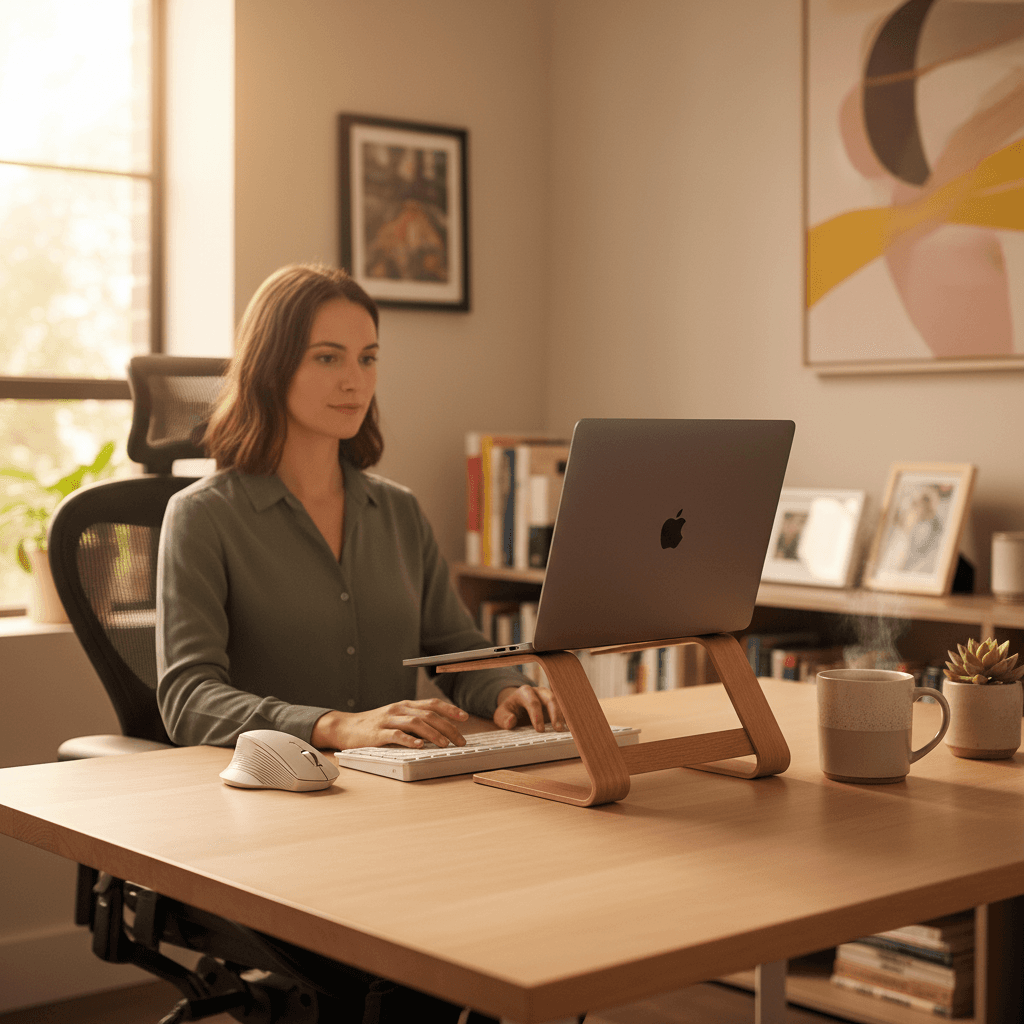
👑 Premium PickThe go-everywhere stand that actually reaches eye level: 11 settings and 5–14 inches of screen lift, quick-release height changes, and it folds to 1 × 1.5 × 13 inches for a laptop bag.
WFH Lounge · Best Picks
A laptop stand only helps if you also use an external keyboard — otherwise it raises the typing surface to a worse height. Pair the two.
Ergonomic laptop stands that lift your screen to eye level and prevent neck and shoulder strain.
Top pick
Roost V3 Plus Adjustable Portable Laptop Stand
The current Roost: eleven height positions with a manufacturer-stated 5-14 inch screen lift, quick-release adjustment, and it still folds into a bag. Sold by Roost's own Amazon store.
Buy on AmazonBest value
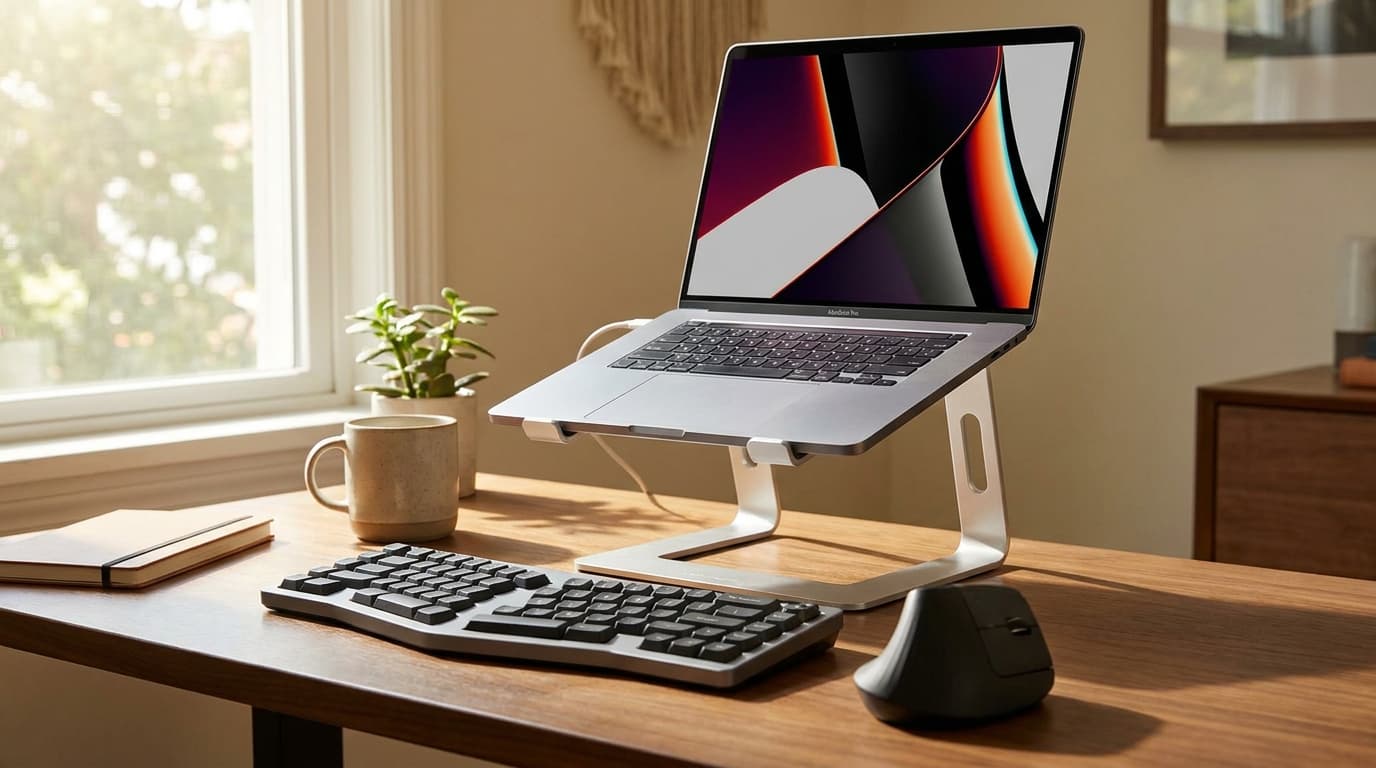
Lamicall STDL04 360 Rotating Aluminum Laptop Stand
An aluminium stand with a 360-degree rotating base and adjustable height for about $34, sold by Lamicall - #30 in laptop stands with 4.7 stars.
Buy on AmazonSkip this
Cheap plastic adjustable risers from no-name brands — They flex under normal typing force, which translates to a laptop that visibly bounces with every keystroke. Over months that wobble fatigues hinge mounts and creates a low-grade frustration on every keystroke. The $25 saved costs you a hinge replacement or a new stand inside a year.
1The go-everywhere stand that actually reaches eye level: 11 settings and 5–14 inches of screen lift, quick-release height changes, and it folds to 1 × 1.5 × 13 inches for a laptop bag.
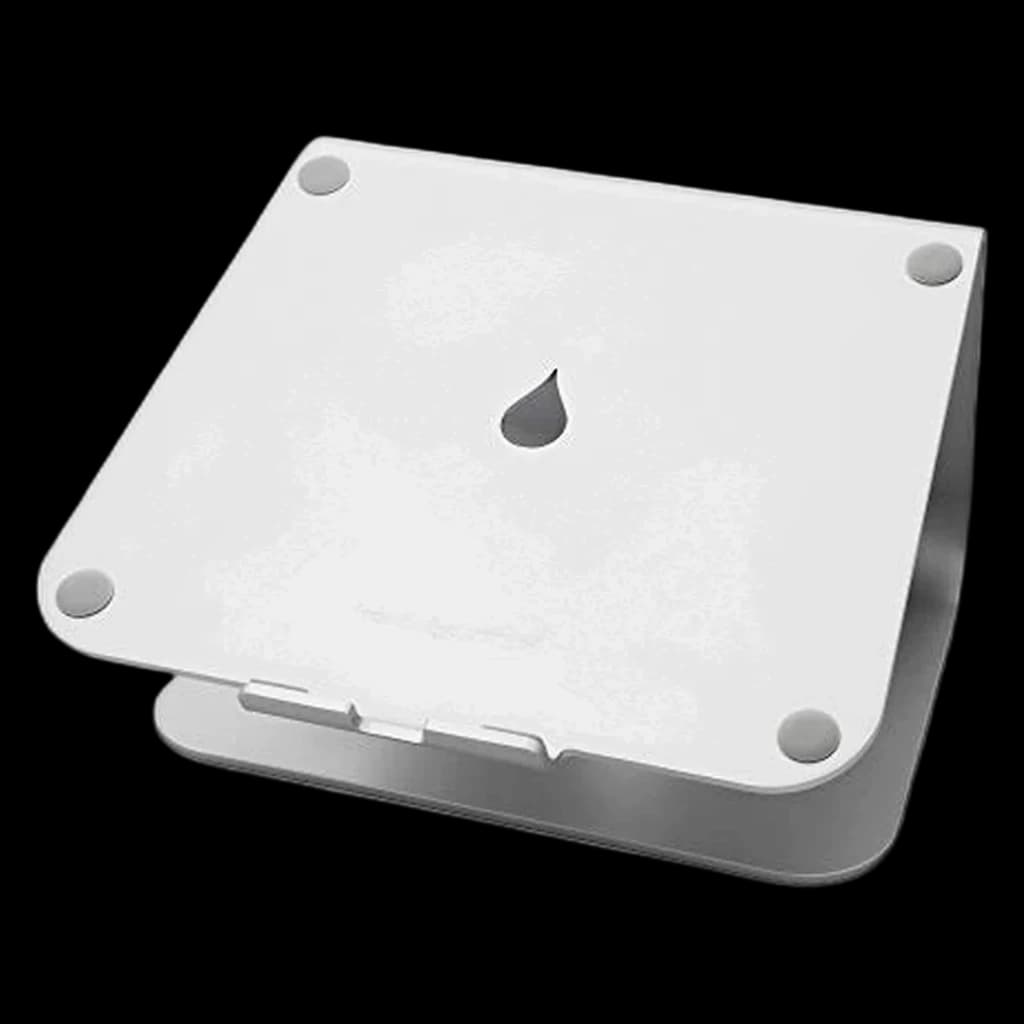
2The one-piece aluminum classic: a 5.9-inch lift with zero wobble and no moving parts, for a permanent desk setup.
3Foldable aluminum riser whose base swivels a full 360 degrees, so you can turn the screen toward a colleague without moving the laptop. Lamicall rates it for 10 to 17.3 inch laptops and backs it with a 2-year limited warranty; it is the only stand on this page with a rotating base.
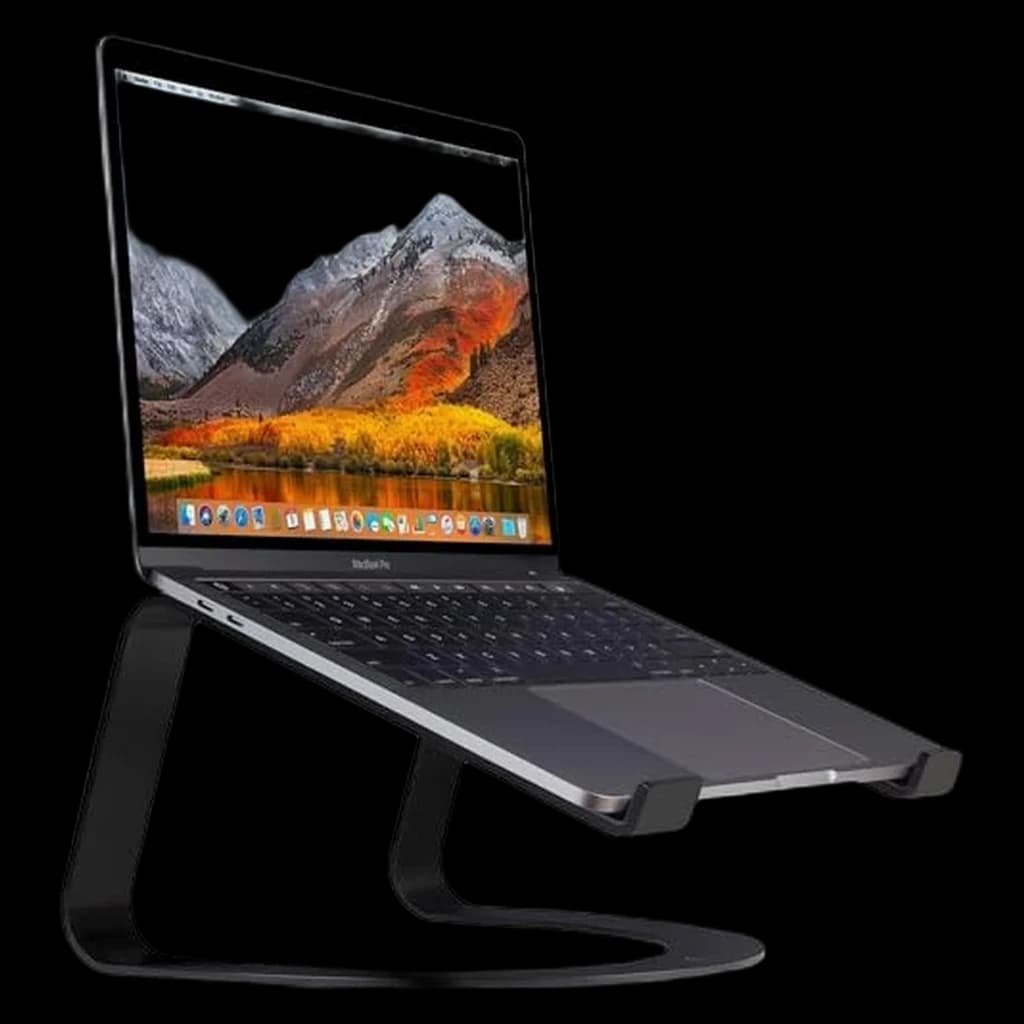
4An open, design-led fixed stand that lifts the laptop about 6 inches and leaves its underside exposed to airflow.
5The cheapest stand here that still adjusts and folds: up to 7 in of height for 10–15.6-inch laptops at about $30.
| Spec | |||||
|---|---|---|---|---|---|
| Buy | |||||
WFH Scoremethodology → | Stability & Build 73 Ergonomics 73 Portability 79 Value 86 Owner Satisfaction 80 | Stability & Build 93 Ergonomics 76 Portability 81 Value 66 Owner Satisfaction 94 | Stability & Build 85 Ergonomics 76 Portability 91 Value 88 Owner Satisfaction 91 | Stability & Build 69 Ergonomics 63 Portability 63 Value 59 Owner Satisfaction 71 | Stability & Build 83 Ergonomics 77 Portability 74 Value 87 Owner Satisfaction 81 |
| Buyer sentiment | Stability Build quality Lightweight Portability Value for money Buyers praise stability, build quality, lightweight and portability. Some flag value for money. Based on 93 user mentions | Quality Design Sturdiness Ergonomics Buyers praise quality, design, sturdiness and ergonomics. Mixed feedback on value for money. Based on 5,918 user mentions | Quality Adjustability Portability Swivel Buyers praise quality, adjustability, portability and swivel. Based on 371 user mentions | Quality Appearance Functionality Height Buyers praise quality, appearance, functionality and height. Mixed feedback on stability and durability. Based on 377 user mentions | Quality Portability Value for money Design Buyers praise quality, portability, value for money and design. Mixed feedback on stability and adjustability. Based on 1,095 user mentions |
| Height settings | 11 | — | — | — | — |
| Folded size | 1 × 1.5 × 13 inches | — | — | — | — |
| Laptop size (manufacturer) | 12–18 inches | — | — | — | — |
| Quick-release adjustment | Yes | — | — | — | — |
| Height Range | 5–14 inches screen lift (manufacturer) | — | — | — | — |
| Weight | 178 g (manufacturer) | 3 lb (manufacturer) | Not stated | — | 1.7 lb |
| Material | — | Aluminum | Aluminum alloy | Aluminum | Aluminum |
| Elevation | — | 5.9 in stand height | Not stated | Approx. 6 in, fixed (listing) | Up to 7 in adjustment (listing) |
| Laptop Size | — | Includes 16-inch MacBook Pro; check device fit | 10 to 17.3 inches (manufacturer) | — | 10–15.6 in |
| Adjustment | — | — | Height and tilt adjustable, tilt up to 90 degrees (manufacturer) | None | — |
| Capacity | — | — | Not stated | — | — |
| Compatibility | — | — | Laptops and tablets; also usable as a projector mount (listing) | — | — |
| Finish | — | — | — | Matte black selected | — |
| Weight Capacity | — | — | — | — | 11 lb |
* Prices checked Oct 24, 2026 and may not reflect current rates. As an Amazon Associate I earn from qualifying purchases.
As an Amazon Associate I earn from qualifying purchases. Product prices and availability are subject to change.
Cornell Ergonomics Lab places the optimal monitor top-edge height at 0-2 inches below eye level - for a typical 5'10" adult at a 29-inch desk, this translates to a laptop screen lifted approximately 6.5 inches off the desk surface, a height most adjustable stands cannot reach.
r/workspaces, r/HomeOffice, and r/MacBookPro consistently default to two recommendations: the Roost V3 for anyone who carries a laptop between locations, and the Rain Design mStand for fixed-desk MacBook setups in clamshell mode. Threads asking for sub-$30 picks repeatedly converge on the Lamicall as the budget answer that actually holds up.
Popular options we evaluated and passed on, with the specific reason each one fell short of our top picks.
Long-time community favorite at the budget tier, but the Amazon listing returned a 43-byte placeholder image during the May 5 verification — strong signal of a delisted or superseded SKU. Swapped to a verified in-stock alternative.
The Amazon listing we linked now sells a different Lululook product (a lap desk), so the link was removed on 2026-10-19.
Still sold by Roost, but superseded by the V3 Plus (more positions, more lift) at a $10 premium; one Roost is enough on the page.
Duplicates the Amazon Basics stand at about $30; the Lamicall 360 (2025, #30 best seller) takes the slot.
A laptop stand is the cheapest ergonomic upgrade you can make to a WFH setup, but only if you understand what it actually does - and what it doesn't. The job of a stand is to raise the screen so the top edge sits at or just below eye level, which keeps your neck in a neutral position rather than craned downward all day. That is the entire ergonomic case. Importantly, lifting the screen also lifts the keyboard out of typing range, so a laptop stand without an external keyboard and mouse makes ergonomics worse, not better. Plan to buy both, or skip the stand entirely. Height matters more than degrees of adjustment - a fixed-height stand at the correct elevation beats an adjustable stand parked at the wrong one. For most adults seated upright at a 28-30 inch desk, you want the laptop screen lifted roughly 5-7 inches; the exact number depends on torso height and whether the laptop is 13, 14, 15, or 16 inches. Materials matter for thermals and longevity. Aluminum stands run cooler than plastic risers and last longer than steel-and-plastic hybrids; the open-frame designs (Roost, Rain Design mStand, Lululook) keep airflow under the chassis, which matters for high-thermal MacBook Pro and gaming laptops. Capacity ratings are usually generous - most aluminum stands handle 15 to 25 pounds, well above any laptop. Specific scenarios to plan for: hot deskers and people who travel between home, office, and a coffee shop want a foldable, lightweight portable (Roost, Lamicall, Roost V3 Plus); MacBook users mostly fine with the classic Rain Design mStand because it pairs perfectly with closed-clamshell mode and an external display; dual-laptop households (work + personal) should get a stand with a wide-enough base to swap quickly without resetting the height. Skip the cheap plastic adjustable risers from no-name brands on Amazon. They flex under typing pressure, and a laptop bouncing 1mm with every keystroke is tiring and slowly stretches the hinges.
Keyboards
Once the laptop is raised, its own keyboard is out of reach — you need an external one.
$99.99
Mice
Same reason as the keyboard: the trackpad is no longer where your hands are.
$118
Docking Stations
A raised laptop is usually a docked laptop.
$399.95

Four laptop stands ranked for couch work in 2026. LapGear Home Office Lap Desk is the top pick at $35.47; the Seville Classics cart is most ergonomic.

The 7 best laptop stands for WFH 2026 - Roost V3 Plus wins overall, mStand for fixed desks, Lamicall on a budget. Plus the height mistake most buyers make.

Five laptop stands ranked for posture, not Instagram. The folding Roost V3 Plus is the top pick; the Rain Design mStand is the classic for a fixed desk.